
How to translate widget labels and email subjects
Last updated: September 15, 2026
Set the default language and edit storefront labels. Optionally send customer emails in that language.
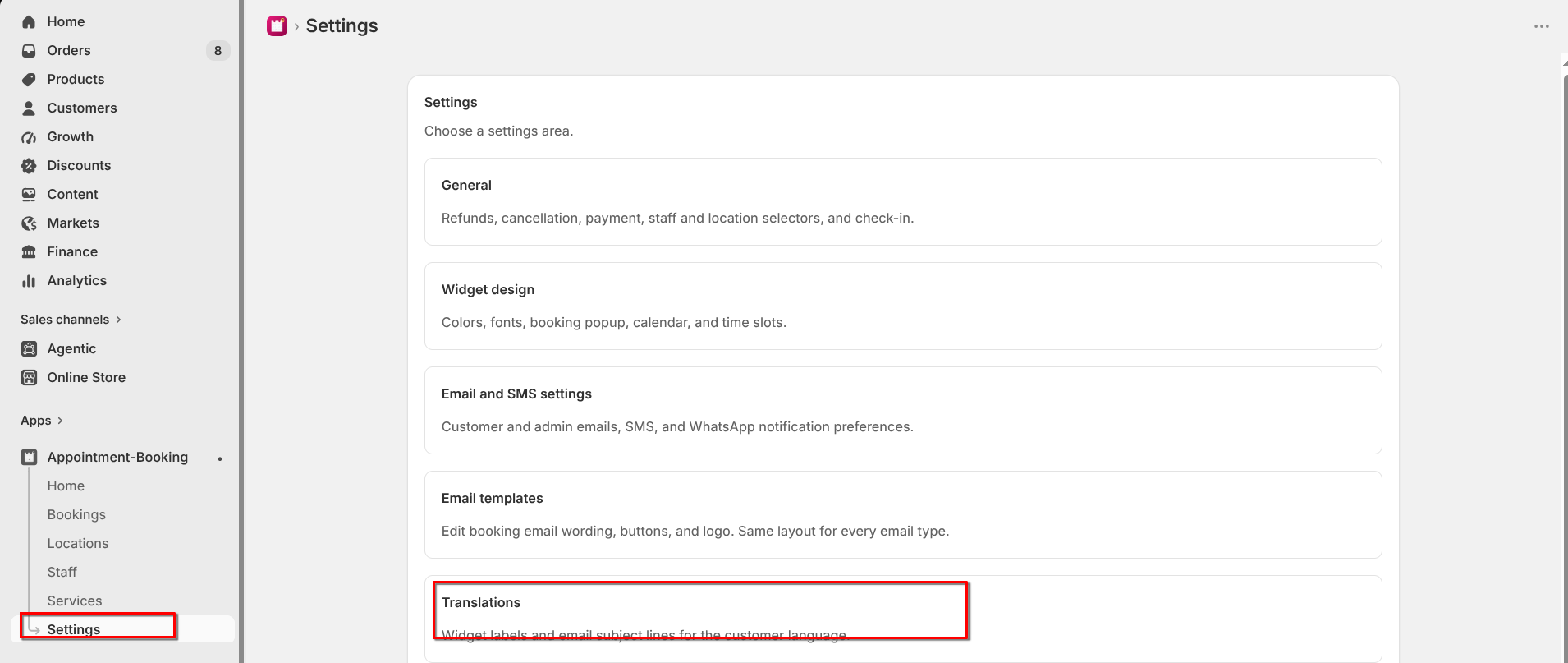
Open Settings → Translations. The booking widget always uses the Default language you select here.
From the app sidebar, click Settings → Translations.
Choose Default language (English, Spanish, French, or German). Edit and save each language separately.
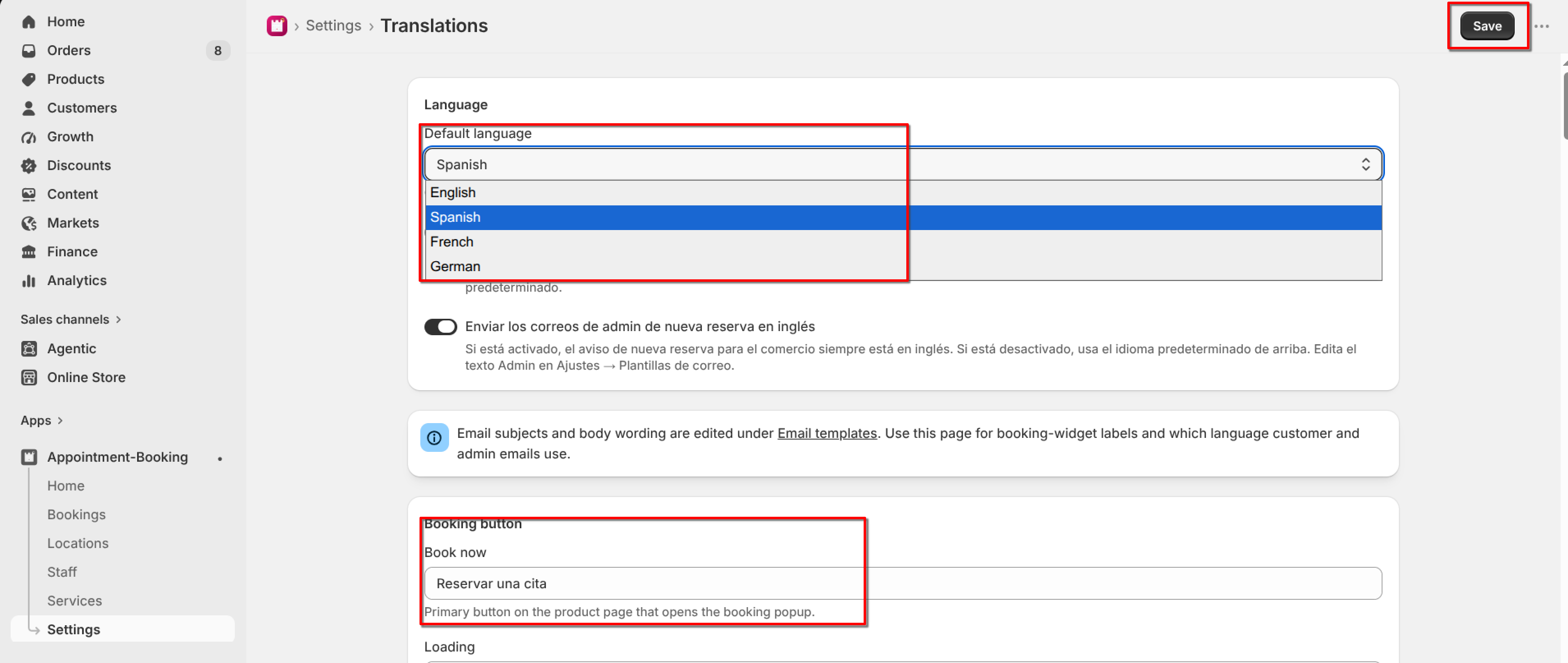
Edit labels such as Book now, Staff, Location, Select date, and Confirm Booking.
Turn on the switch if customer emails (confirmation, reminder, reschedule, cancellation, invoice, follow-up) should use that language. When it is off, those emails stay in English. Edit email wording under Settings → Email templates.
Use the admin email switch if the merchant new-booking notice should stay in English.
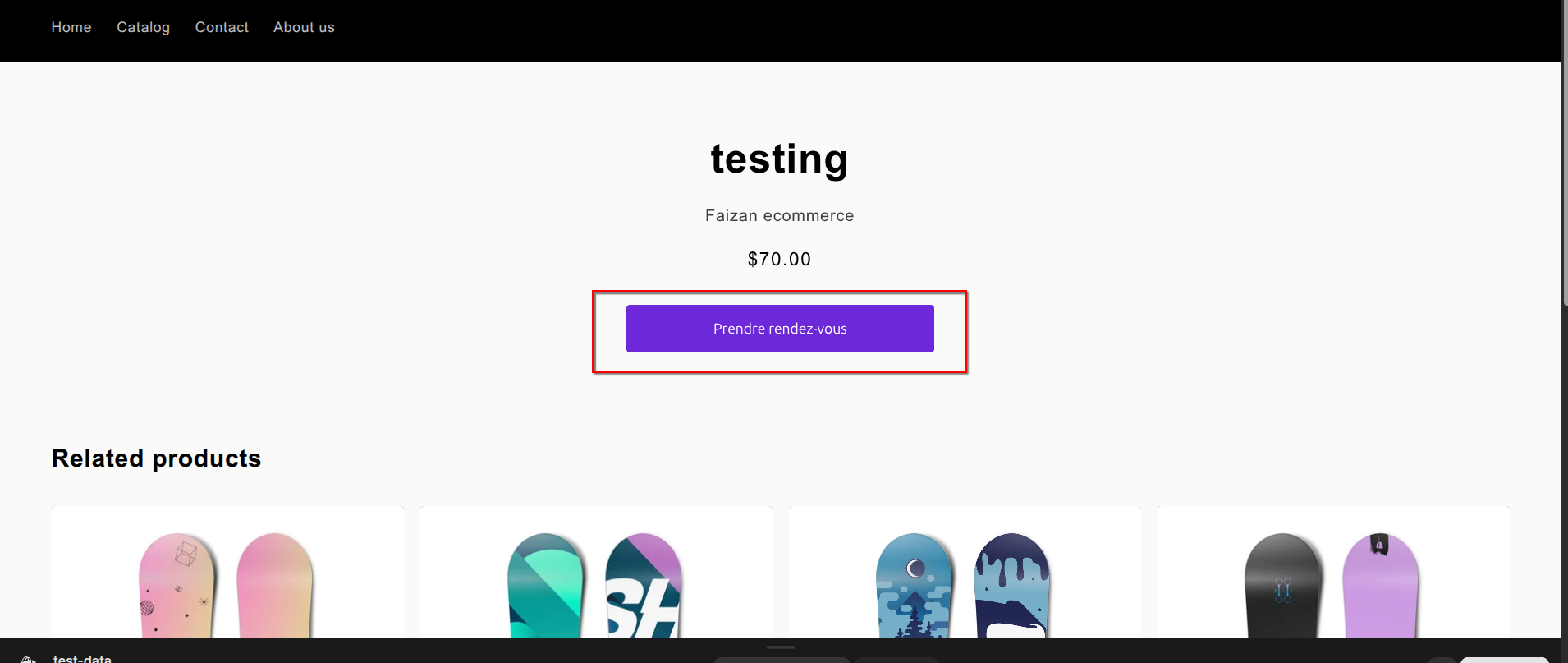
Click Save.