
How customers book an appointment on your store
Last updated: September 17, 2026
Walk through what a customer sees from the product page through to checkout.
Customers book from a service product page (or the cart). The widget opens a popup instead of a normal Add to cart.
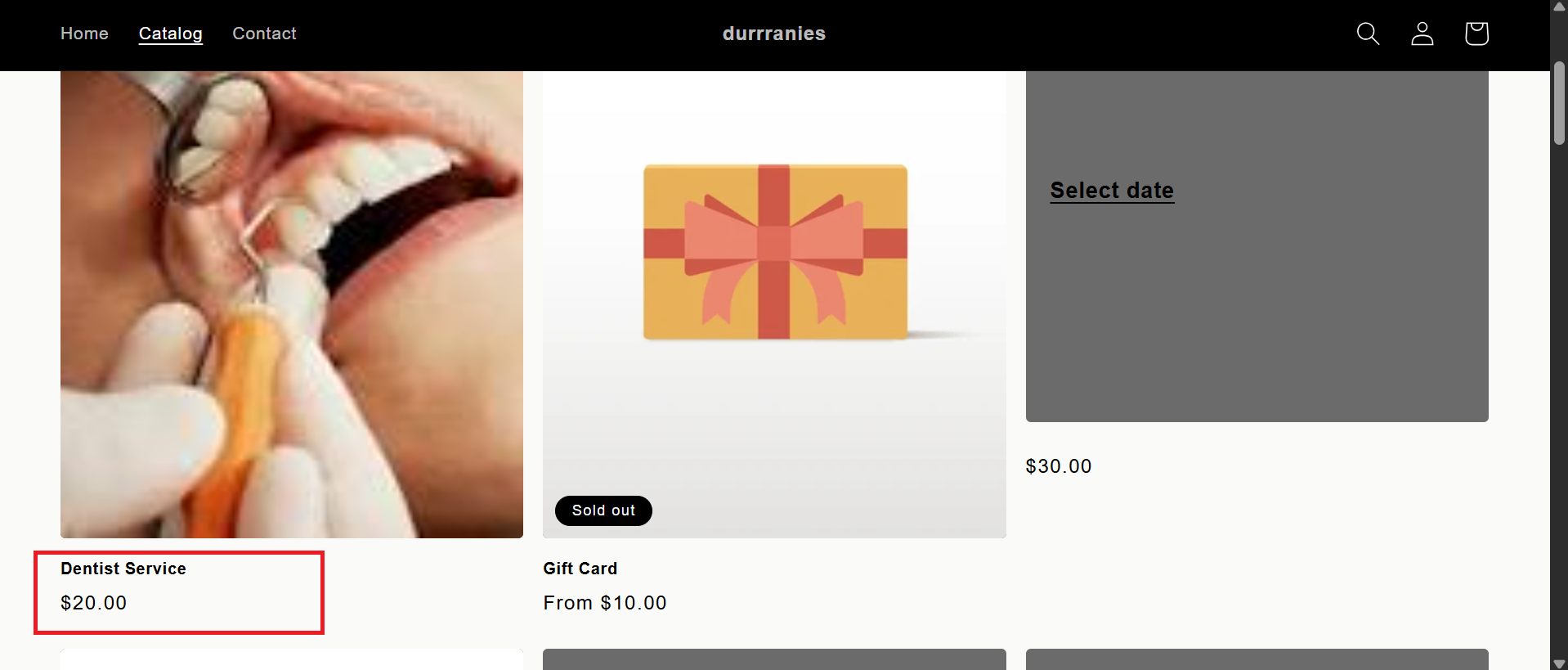
The customer opens a service product from your catalog or collection.
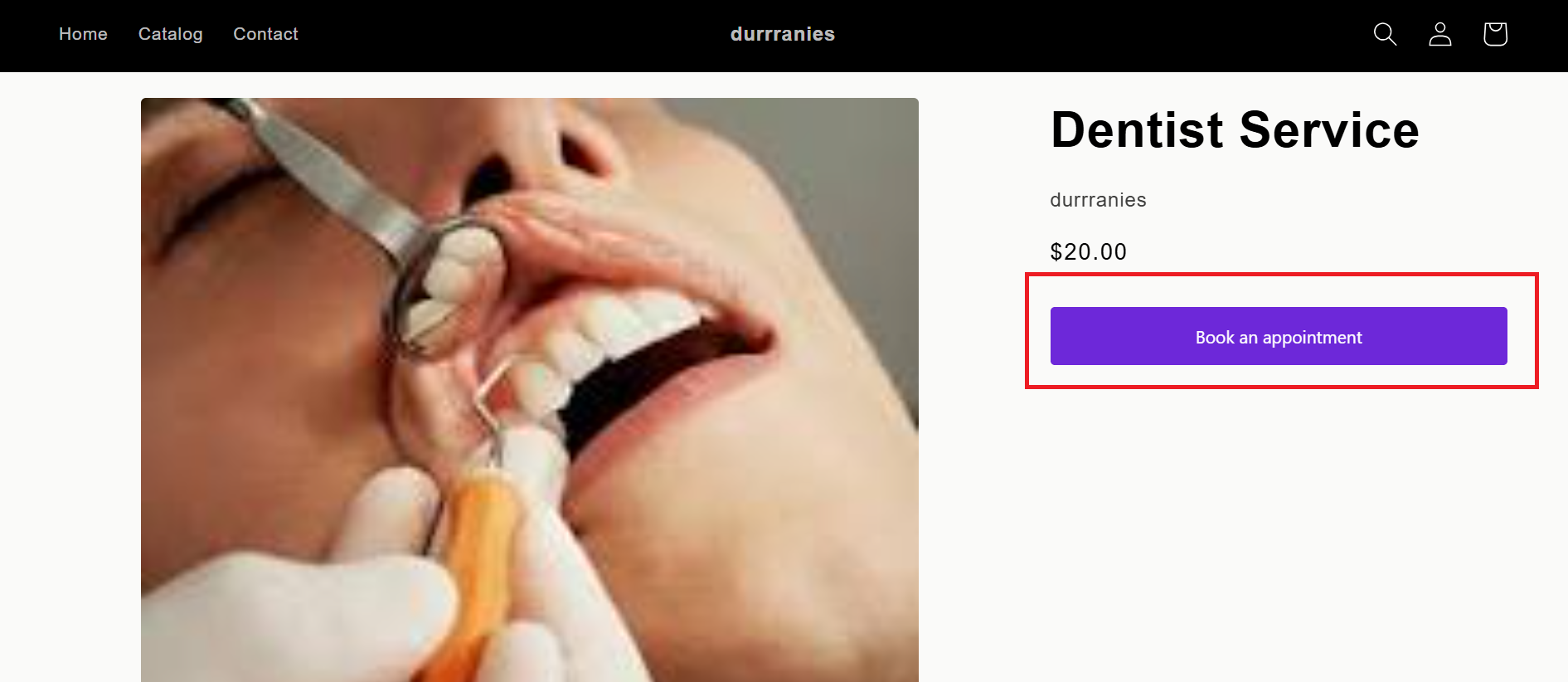
They click "Book an appointment" (the theme Add to cart button is locked for that product).
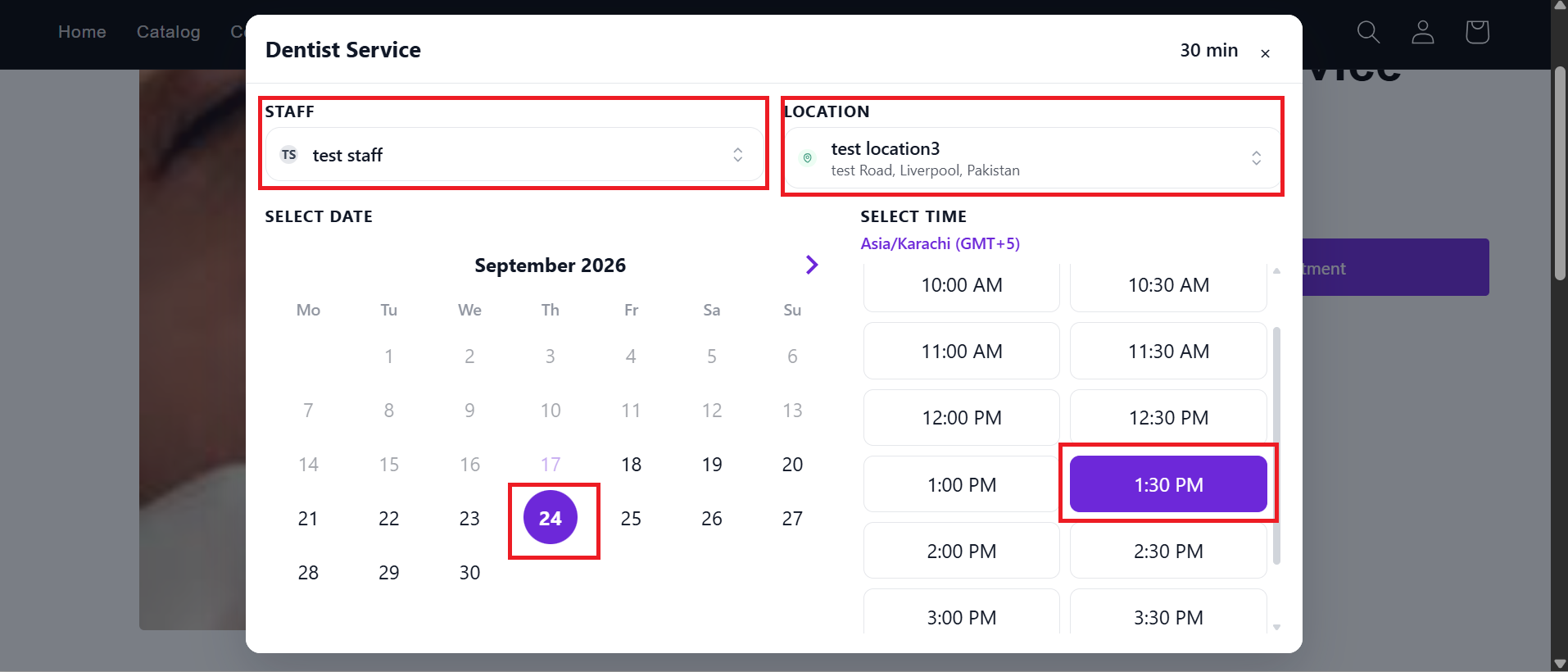
A booking popup opens. They choose staff and location if those selectors are shown.
They pick a date on the calendar and a time slot (or a date range for Multiday / Fullday, or several slots for Bundle).
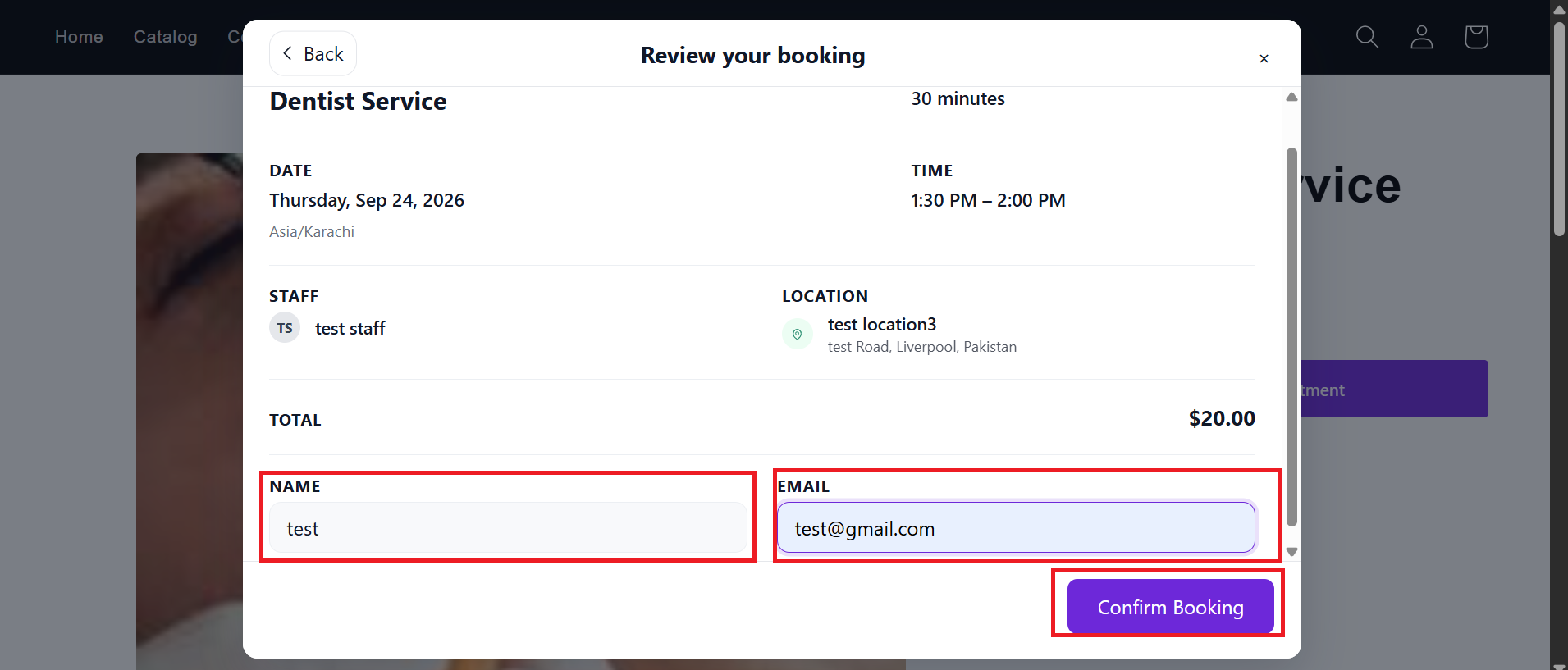
On the Review step they enter name, email, and any extra questions you added on the service. Then they click Confirm Booking.
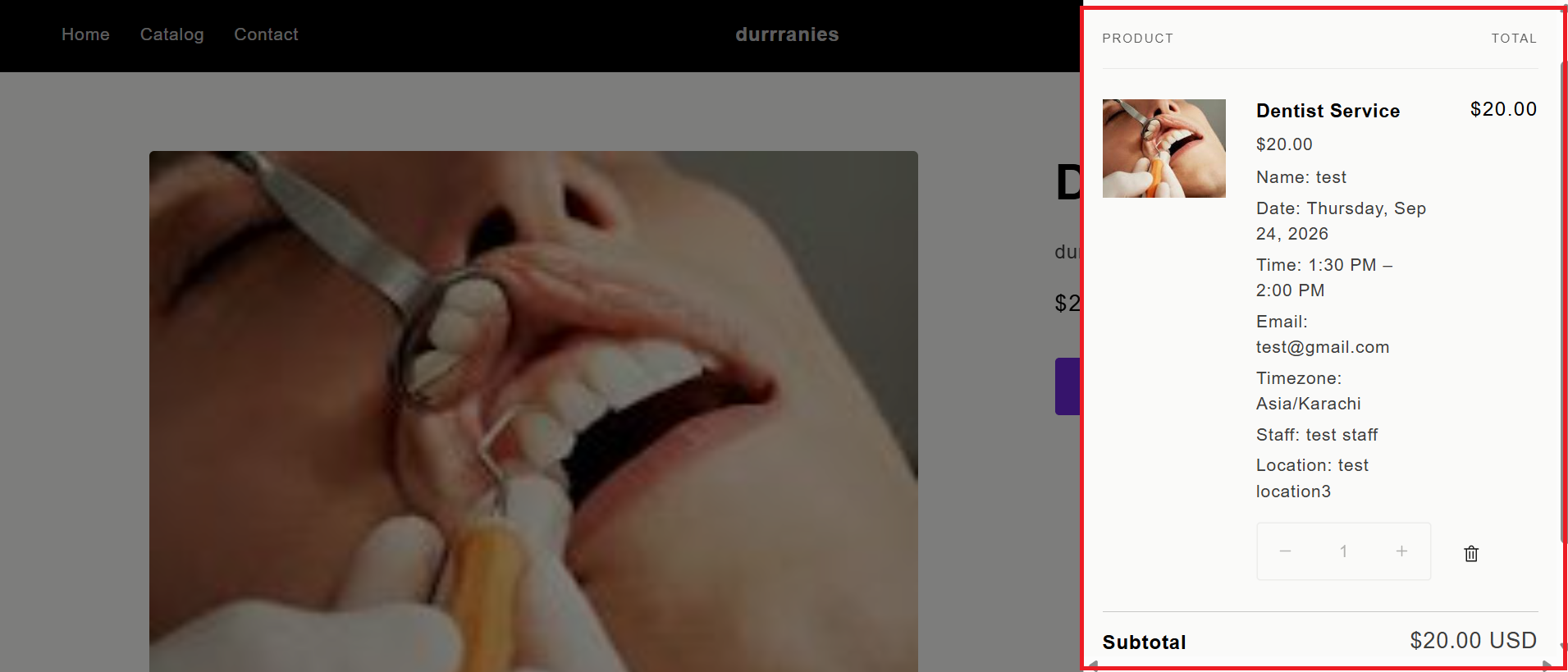
The booking is added to the Shopify cart. The customer completes checkout as a normal order.
To hide staff or location pickers, go to Settings → General → Booking form and turn off "Show teammates selector" or "Show locations selector". The first assigned staff or location is then used automatically.
What's Next