
Configure slot types, daily schedules, order limits, and pickup-specific settings.
Control how customers choose dates and times for local delivery and store pickup.
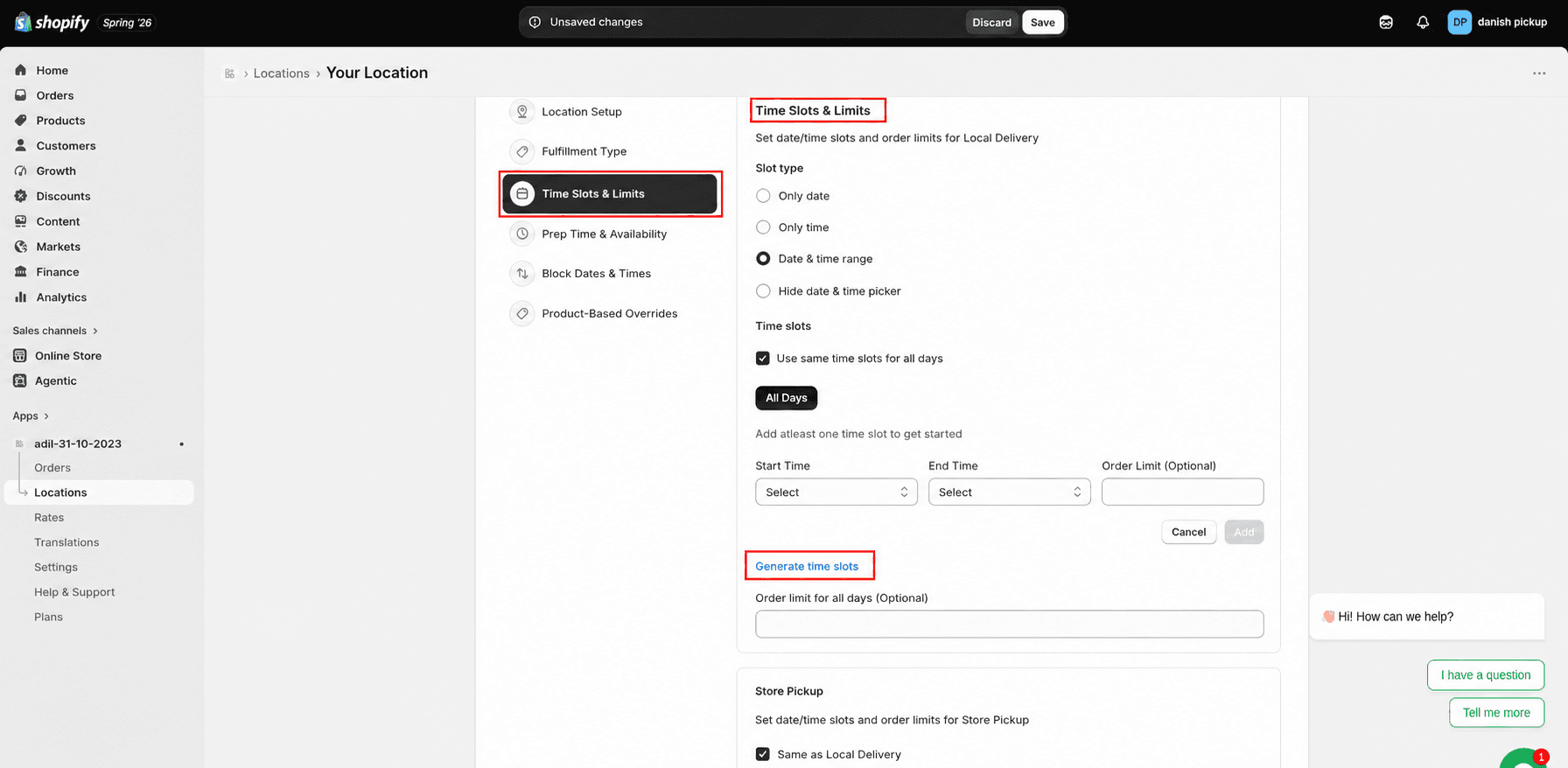
Slot type and daily schedule
1
Select a slot type: only date, only time, date and time range, or hide the date/time picker.
2
Enable same time slots for all days if you want one schedule across the week.
3
Add start time, end time, and an optional order limit for each slot.
4
Use "Generate time slots" for faster setup.
Click Locations from the app sidebar
Store Pickup settings
Configure Store Pickup separately, or keep it the same as Local Delivery.
What's Next