
How to set Break times
Last updated: September 15, 2026
Block recurring times when this service should not be bookable, such as lunch.
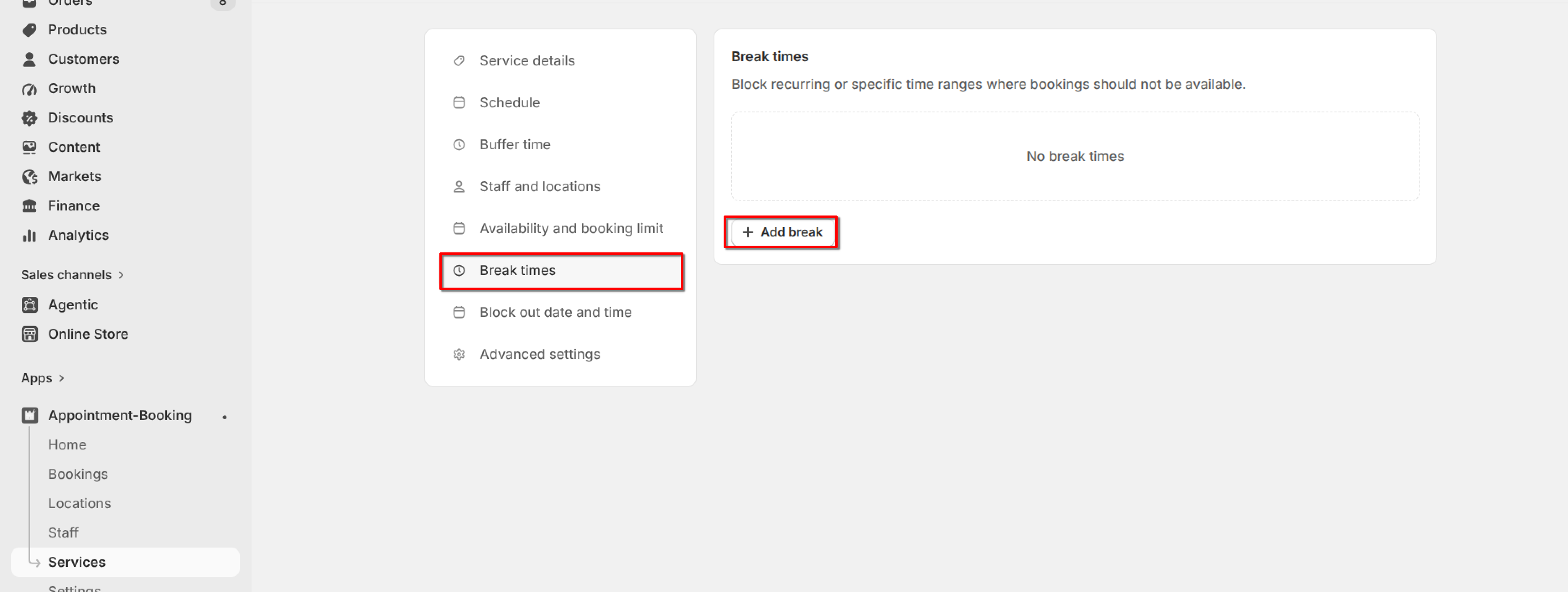
Open the service and click "Break times" in the left menu. Breaks block recurring or specific time ranges so bookings are not available then.
1
If hours are per service and more than one staff member is assigned, pick the staff member whose breaks you are editing.
2
Click "Add break".
3
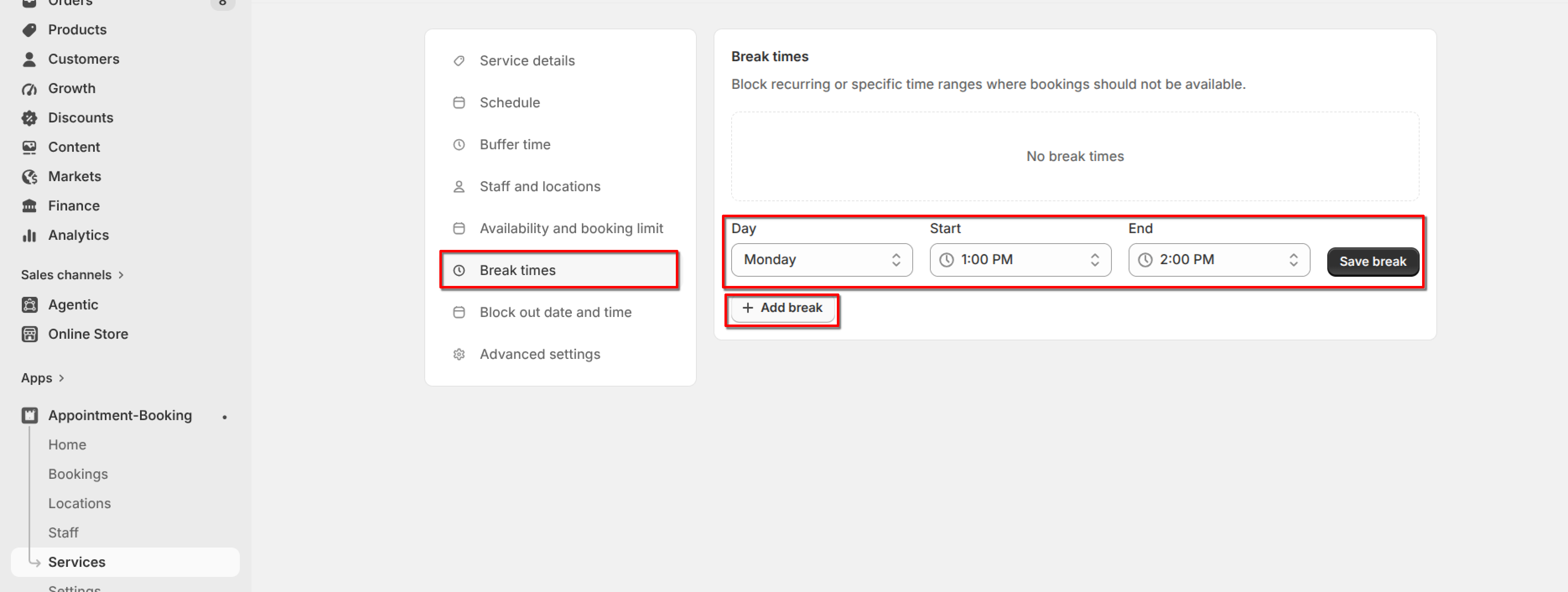
Choose the Day, Start, and End, then click "Save break".
4
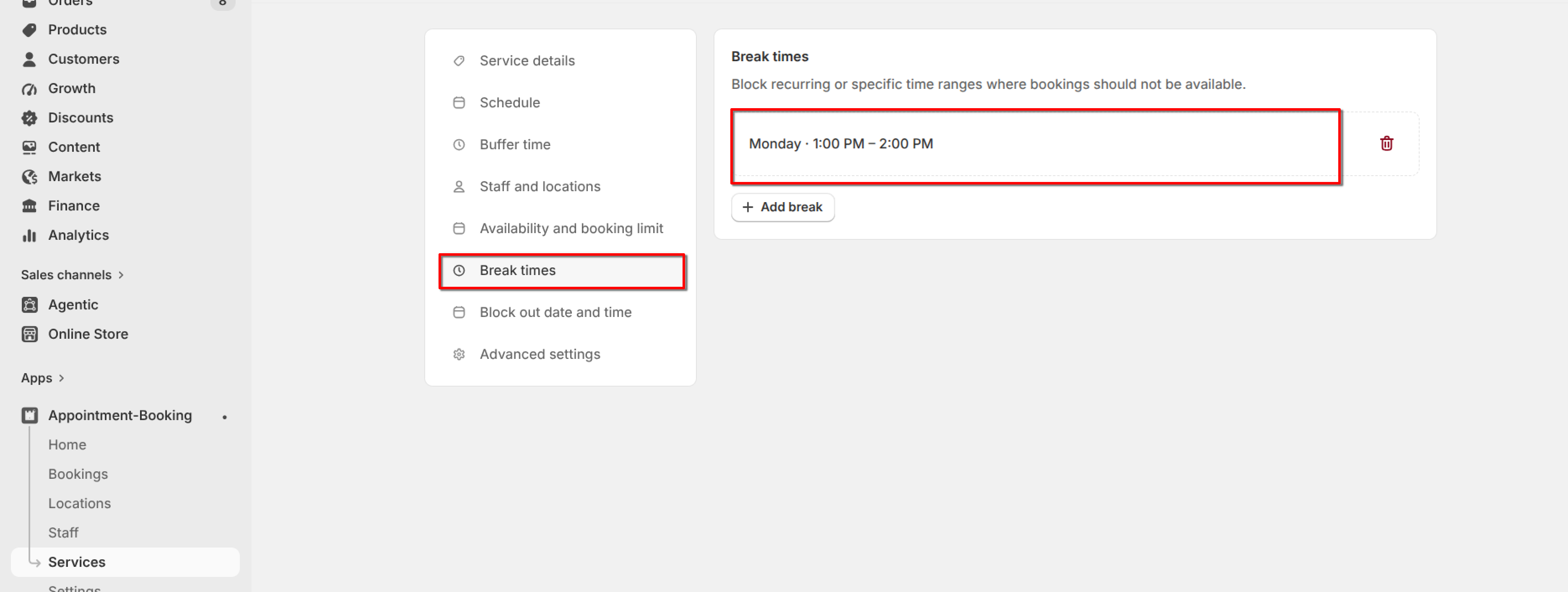
Repeat for other days if needed, then click Save on the service.
You can delete a break from the list without deleting the whole service.
What's Next