
How to create a service
Last updated: September 15, 2026
Create a bookable service. This also creates (or links) a Shopify product that customers book from your store.
A service is what customers actually book. You must have at least one staff member and one location before the service can be fully set up.
During setup
1
On the Setup guide, expand "Create your first service" and click "Create a service".
After setup
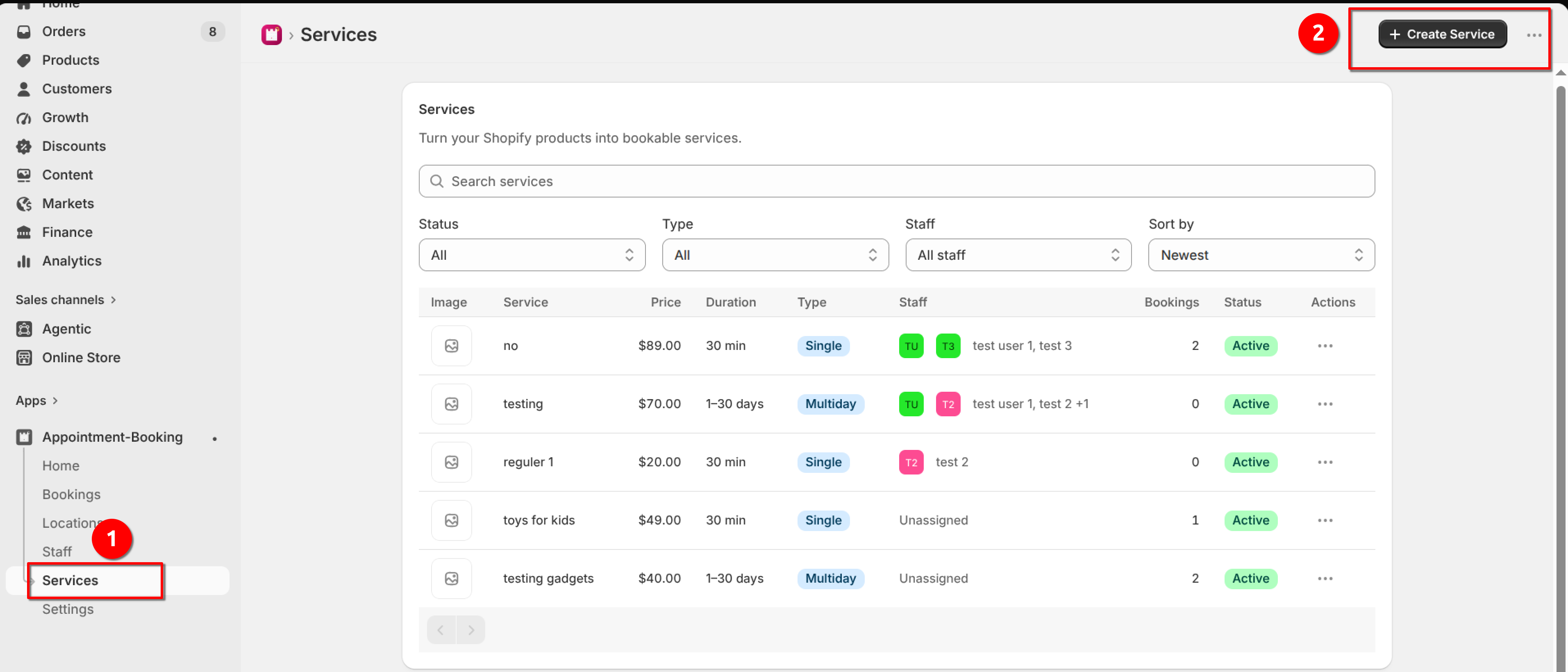
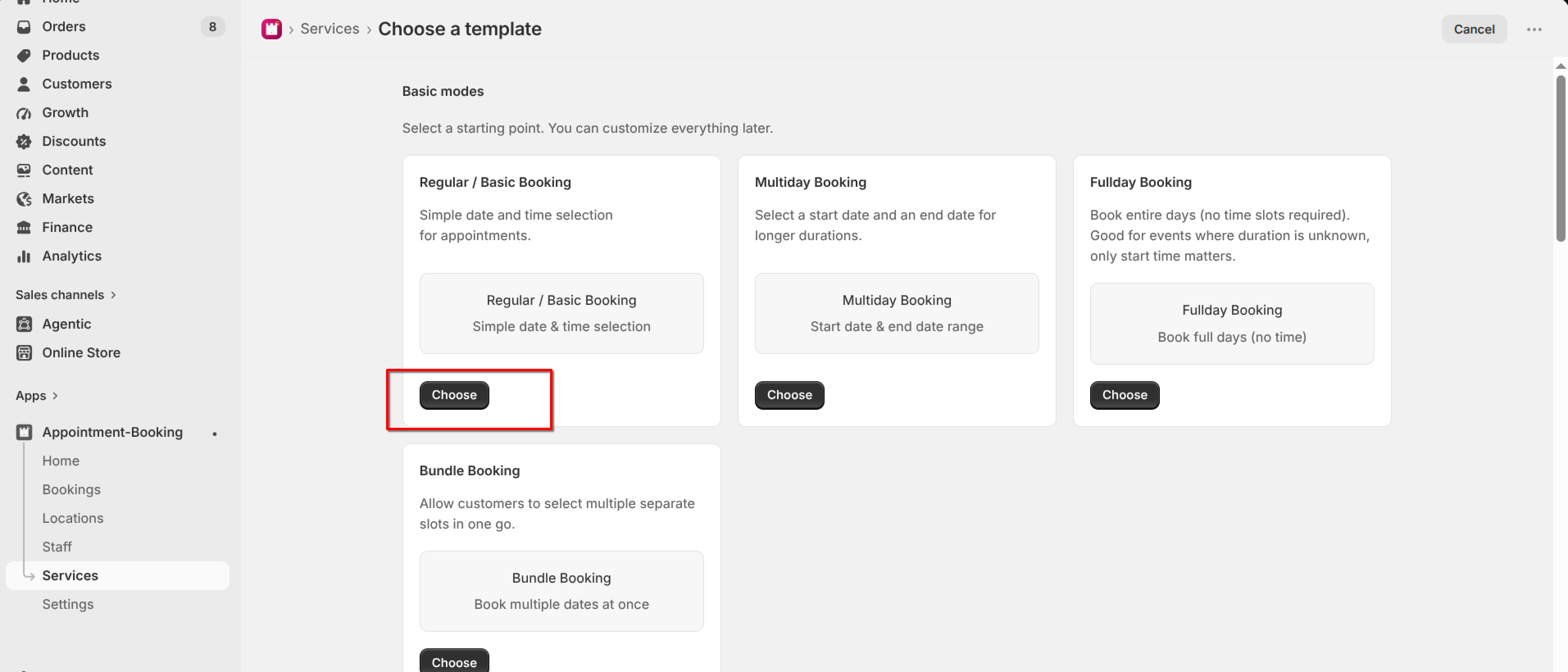
Choose a template
2
On Choose a template, pick a Basic mode and click "Choose". For most stores, start with Regular / Basic Booking.
Only Regular / Basic, Multiday, Fullday, and Bundle are available. The other industry presets show Coming soon.
Fill in the service
Use the left-hand settings menu to complete each feature, then set Status to Active and click Save. Draft services stay hidden from customers.
What's Next