
How to customize Button styling
Last updated: September 17, 2026
Set Filled or Outline, size, and colors for Book and Confirm buttons.
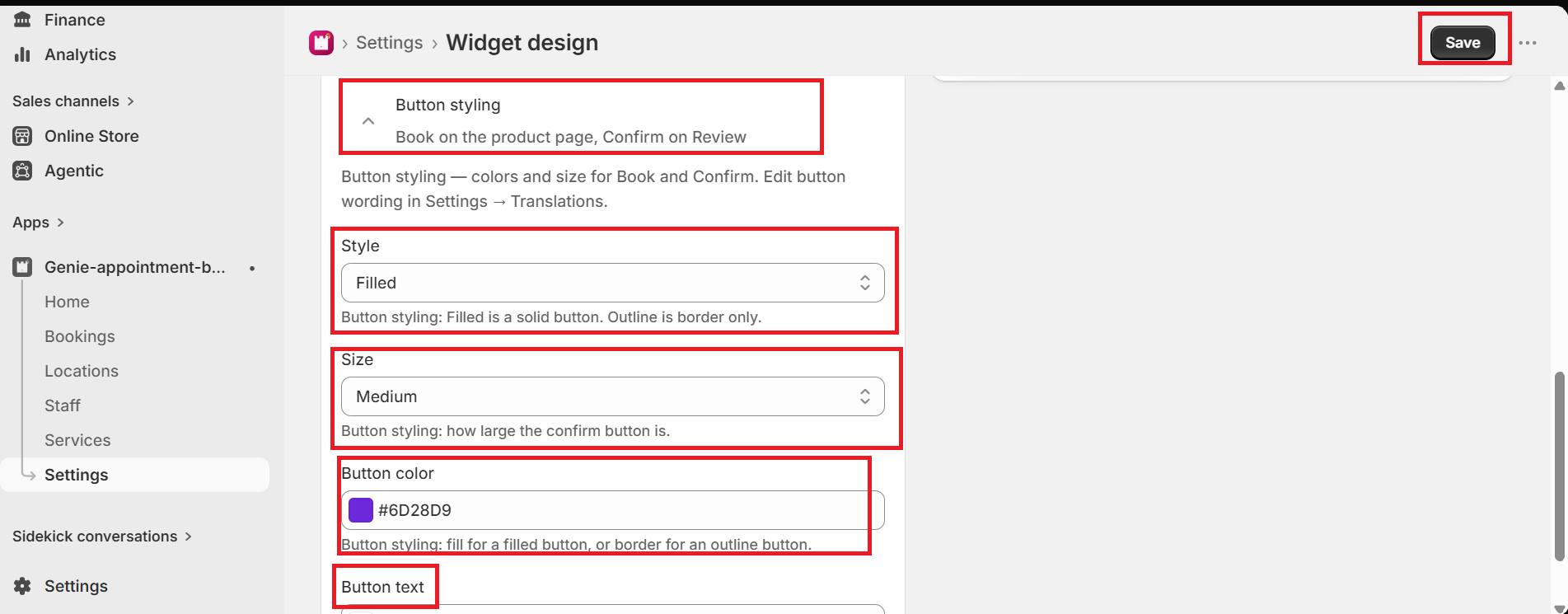
Button styling changes Book on the product page and Confirm on Review. Button wording is in Settings → Translations.
1
From the app sidebar, click Settings → Widget design.
2
Open "Button styling".
3
Choose Style (Filled or Outline), Size, Button color, and Button text color.
4
Click Save.
To change wording such as "Book an appointment", go to Settings → Translations.
What's Next