
How to customize Selection colors
Last updated: September 17, 2026
Set colors for chosen, hover, and unavailable dates and times.
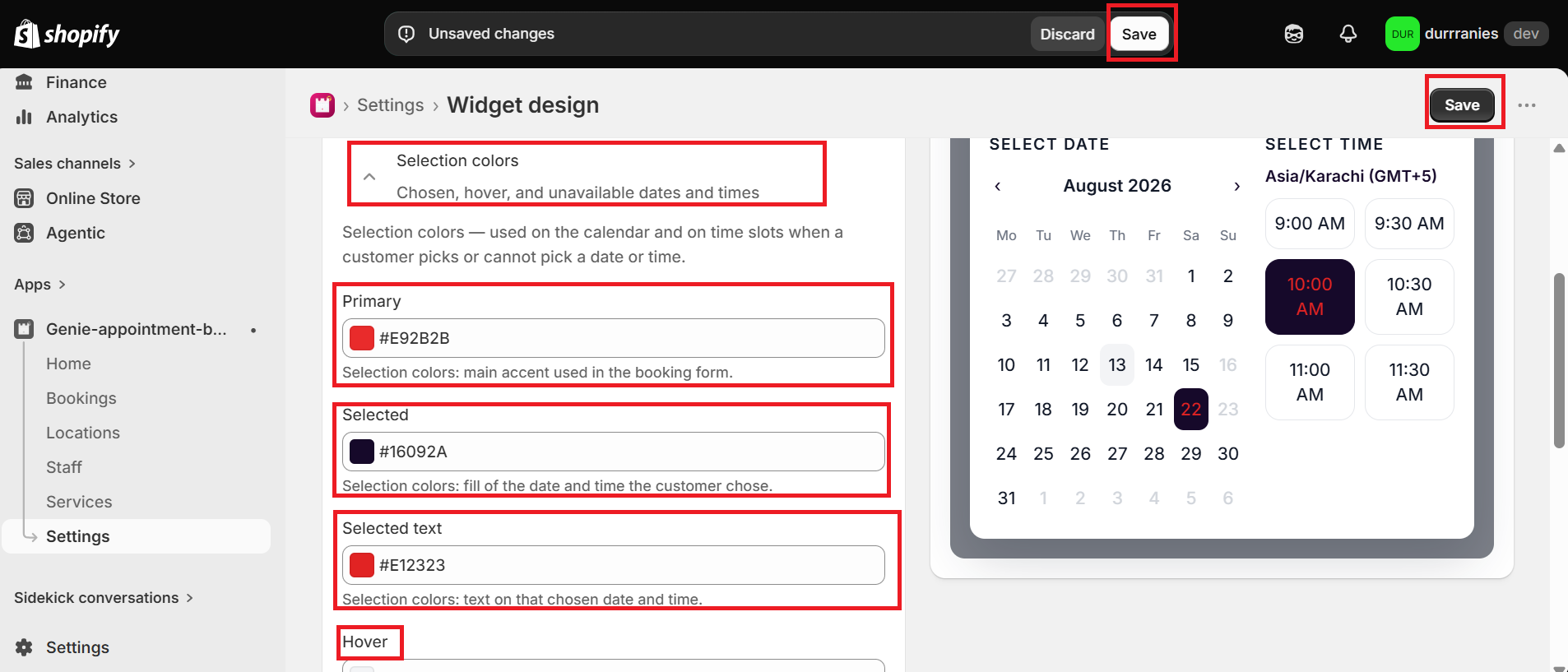
Selection colors are used on the calendar and time slots when a customer picks a date or time, or cannot book it.
1
From the app sidebar, click Settings → Widget design.
2
Open "Selection colors".
3
Set Primary, Selected, Selected text, Hover, and Disabled.
4
Click Save.
What's Next