
How to add a staff member
Last updated: September 17, 2026
Add a team member who performs bookings. At least one staff member is required before customers can book.
Staff are the people customers can choose when they book. Bookings cannot be created without at least one staff member.
During setup
On the Setup guide, expand "Add your team" and click "Add a team member".
After setup
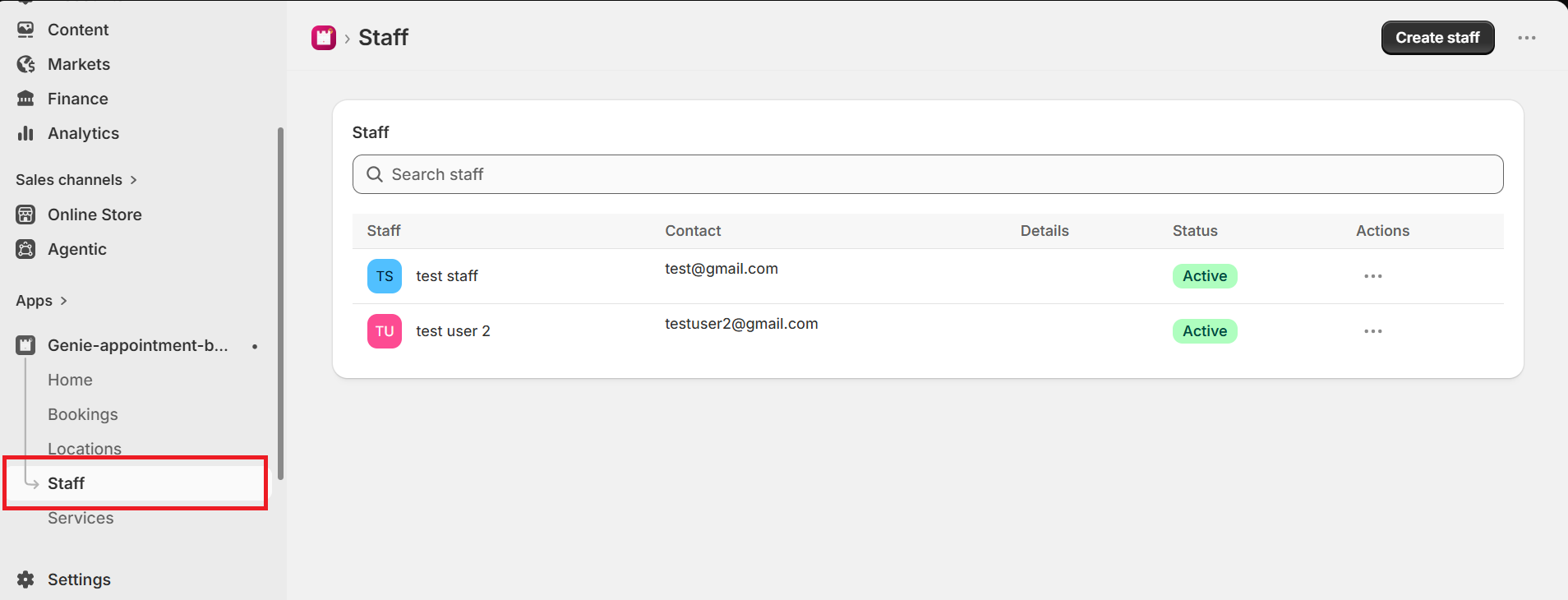
From the app sidebar, click "Staff".
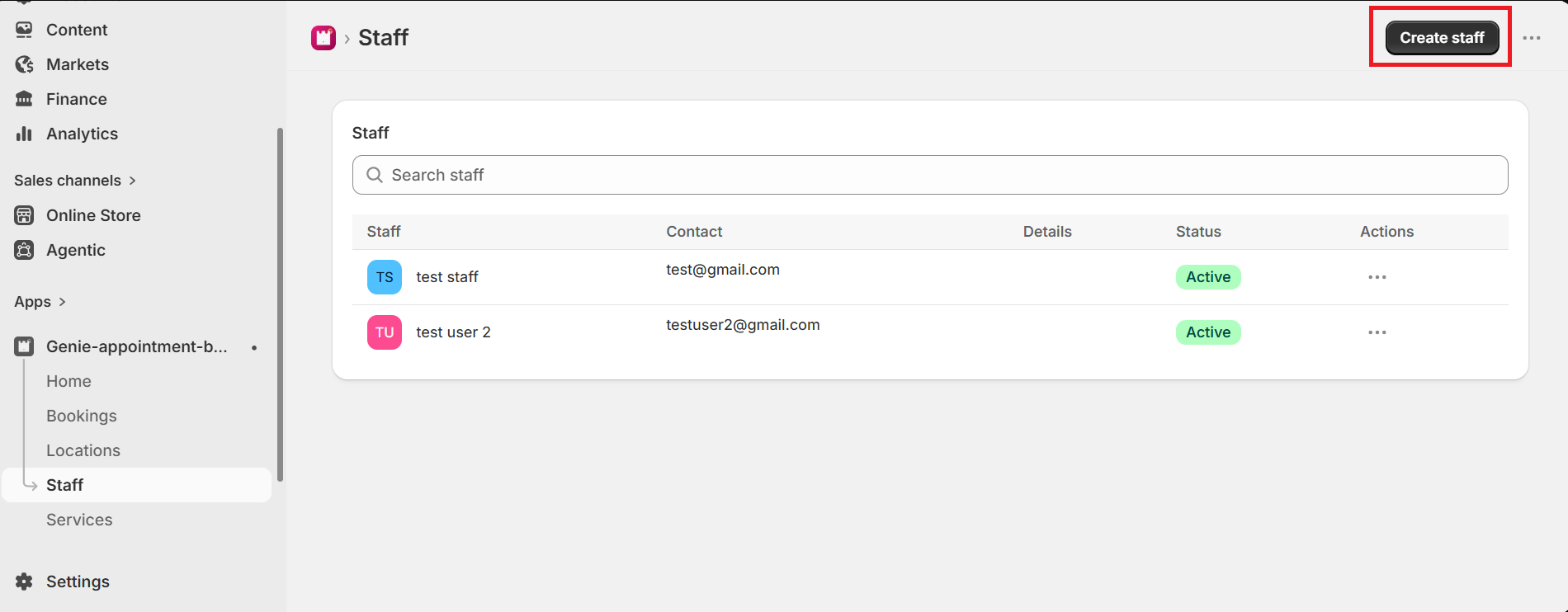
Click "Create staff".
Fill in the staff form
The Create staff page has these sections:
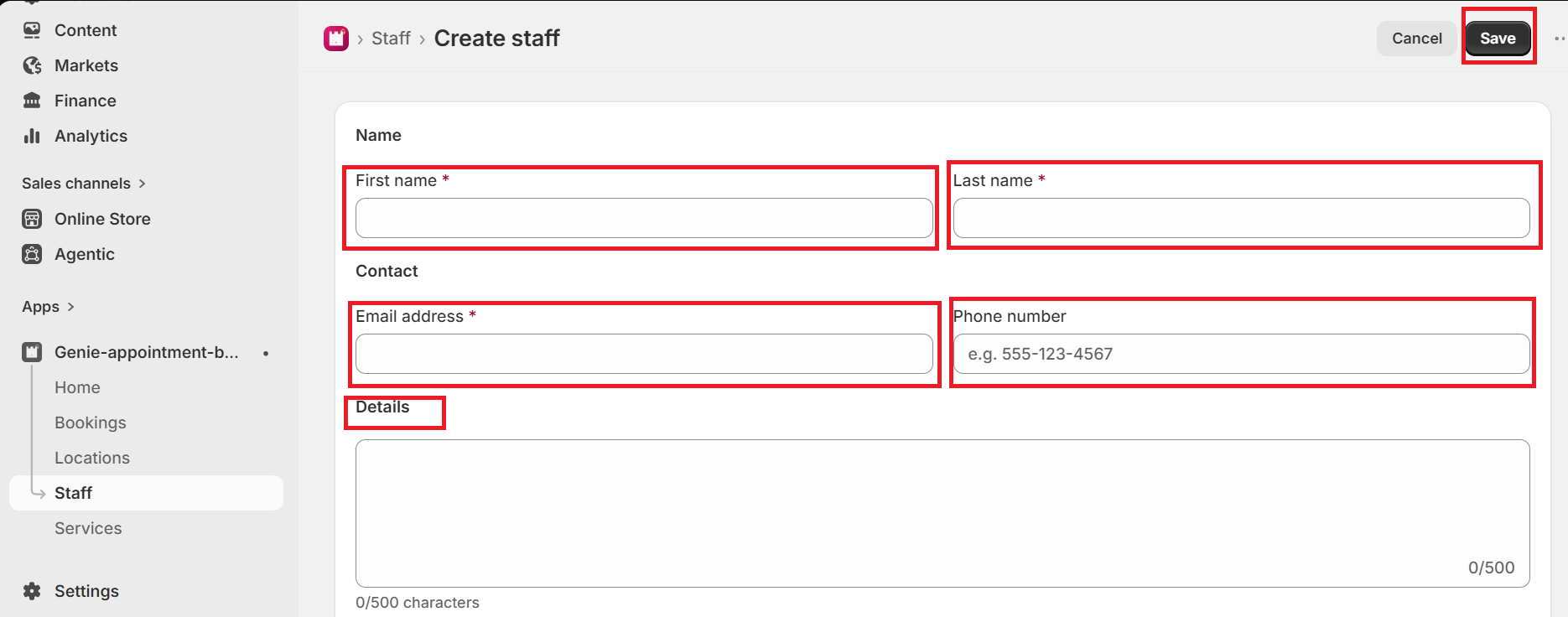
Name — enter First name and Last name (both required).
Contact — enter Email address (required). Phone number is optional.
Details — optional bio or notes, up to 500 characters.
Profile picture — optional photo to upload.
Click Save in the save bar at the top of the page.
Email and name must be unique. If another staff member already uses the same email or the same first and last name, the app will ask you to change them.