
How can I add email addresses for pickup order notification?
Last updated: April 10, 2026
Set up email notifications so the right people are alerted when a pickup order is placed.
In the Locations tab, click the pickup location for which you want to add email addresses. Scroll down to the "Emails" section at the bottom. Enter the email addresses on which you want to receive notifications for pickup orders.
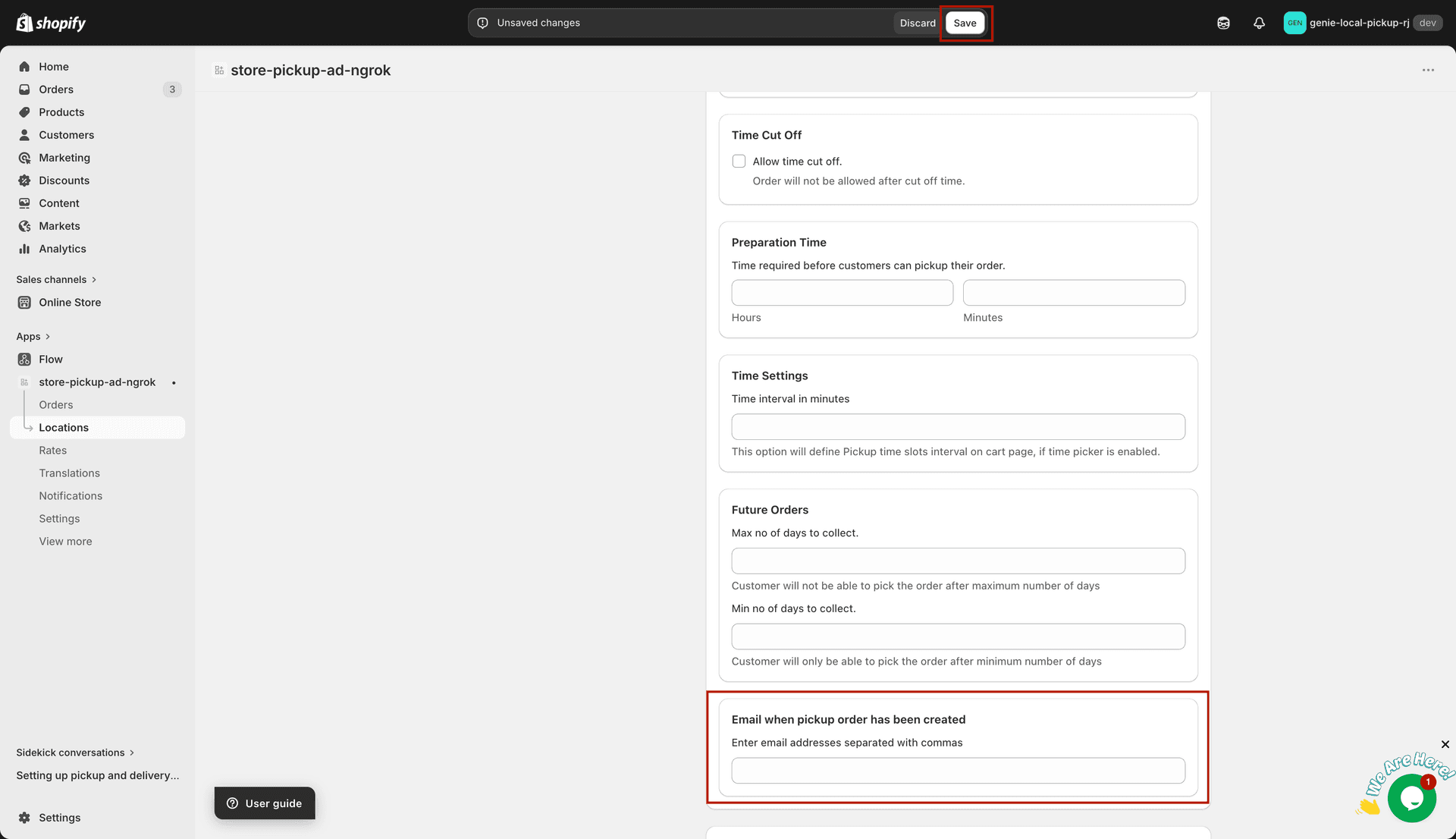
Enter notification email addresses in the Emails section
You can add multiple email addresses. Each address entered will receive a notification whenever a pickup order is placed for that location.