
How can I create additional pickup locations for my store?
Last updated: April 10, 2026
Add multiple pickup locations to your store and configure each one with address, date picker, and time picker settings.
After installation, your default store location is automatically added. If you have multiple pickup locations you can add them as described below.
1
Click the Locations menu in the app sidebar.
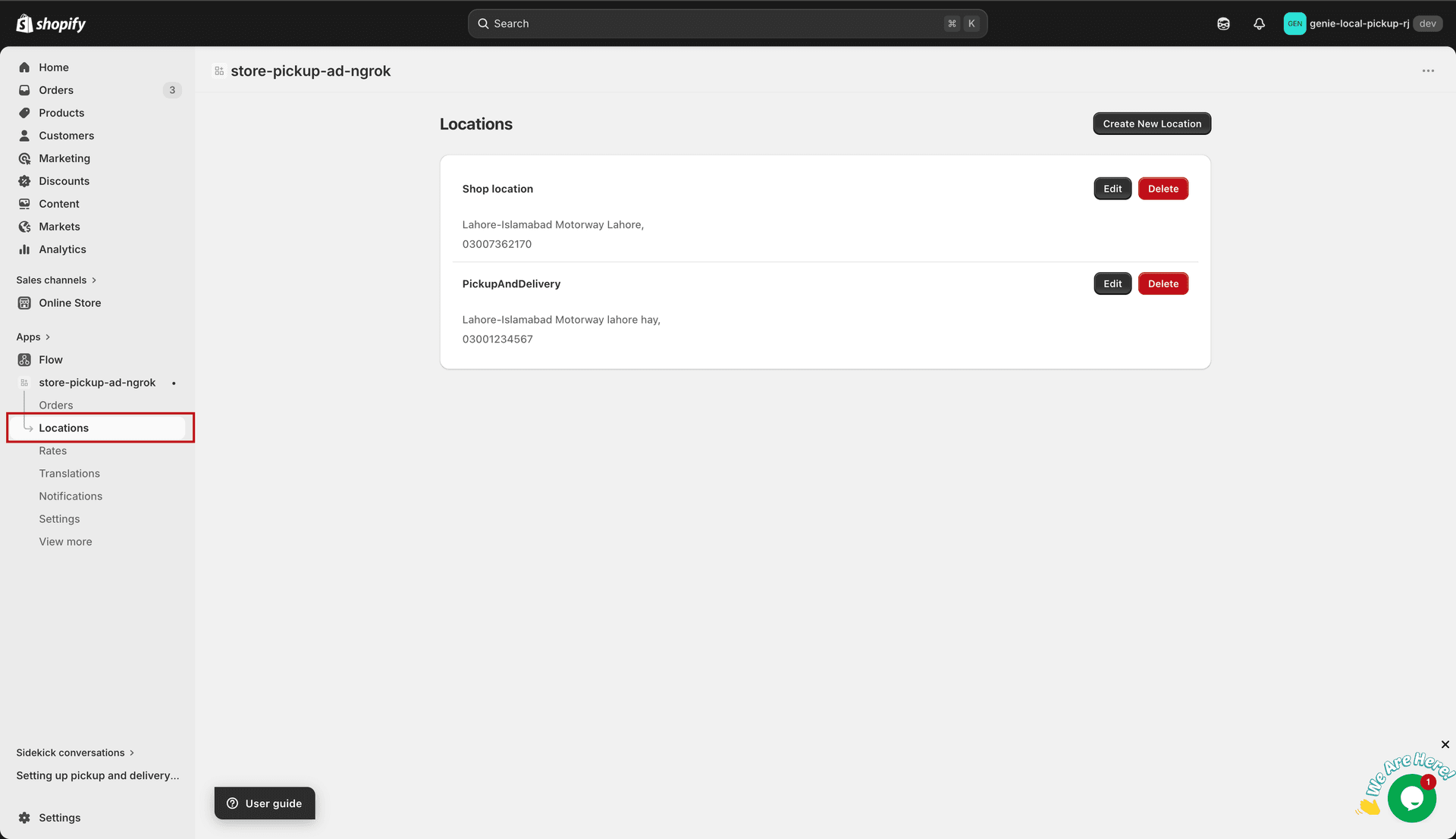
Open the Locations section from the sidebar
2
Click the Add location button.
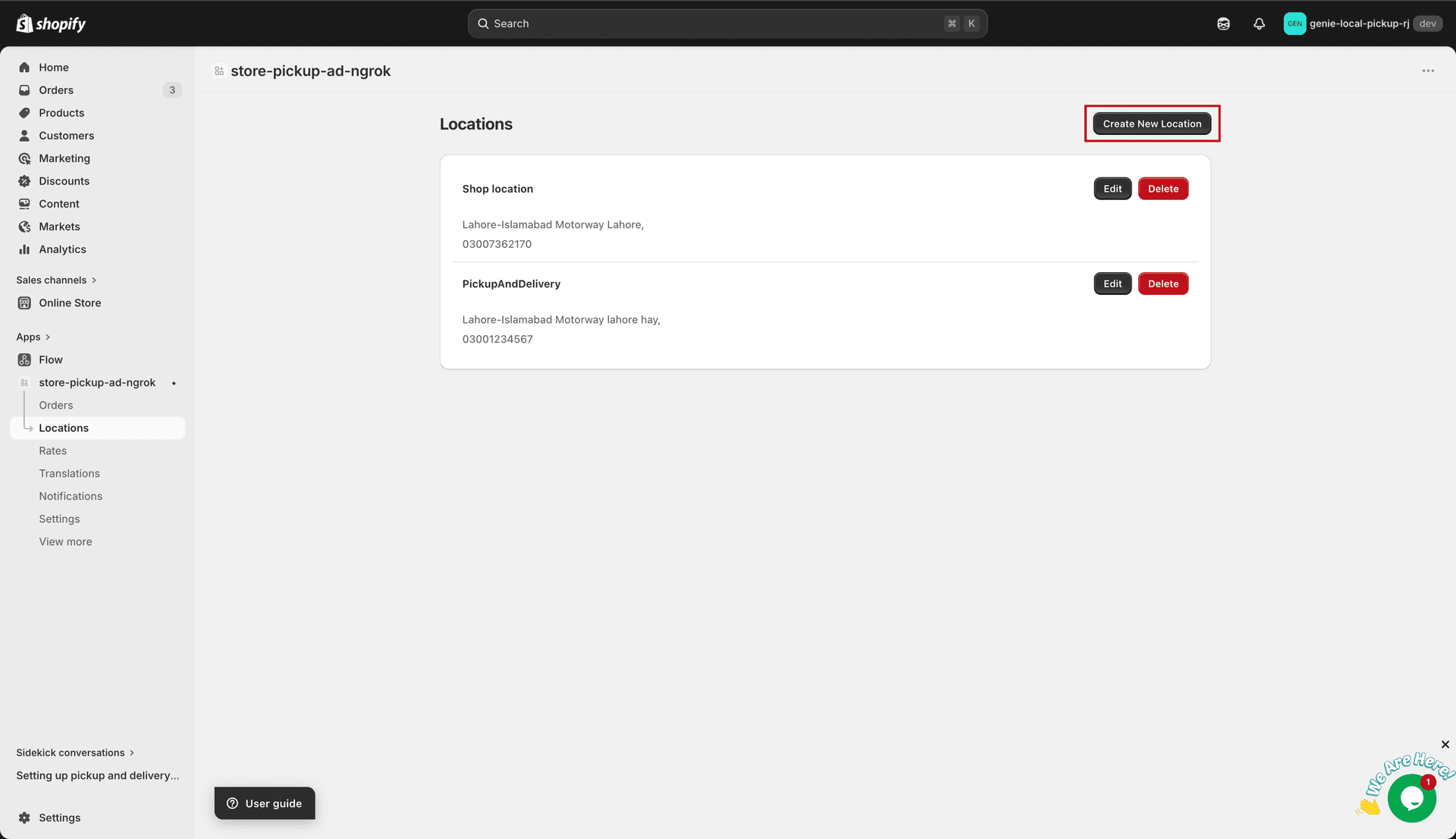
Click Add location to create a new pickup point
3
Enter your location's address details.
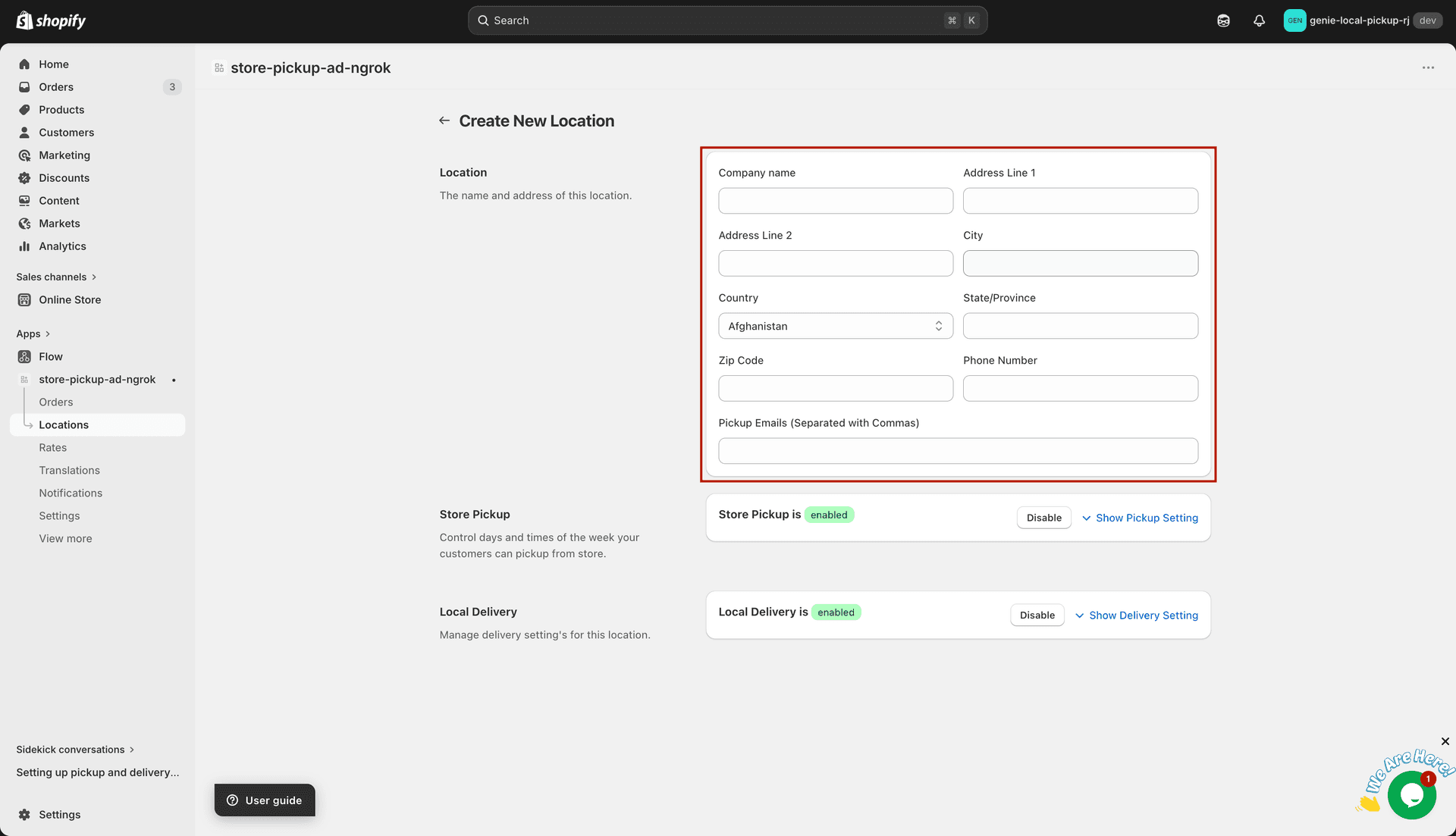
Fill in the address details for the new location
4
Click the Enable Store Pickup button to activate pickups from this location.
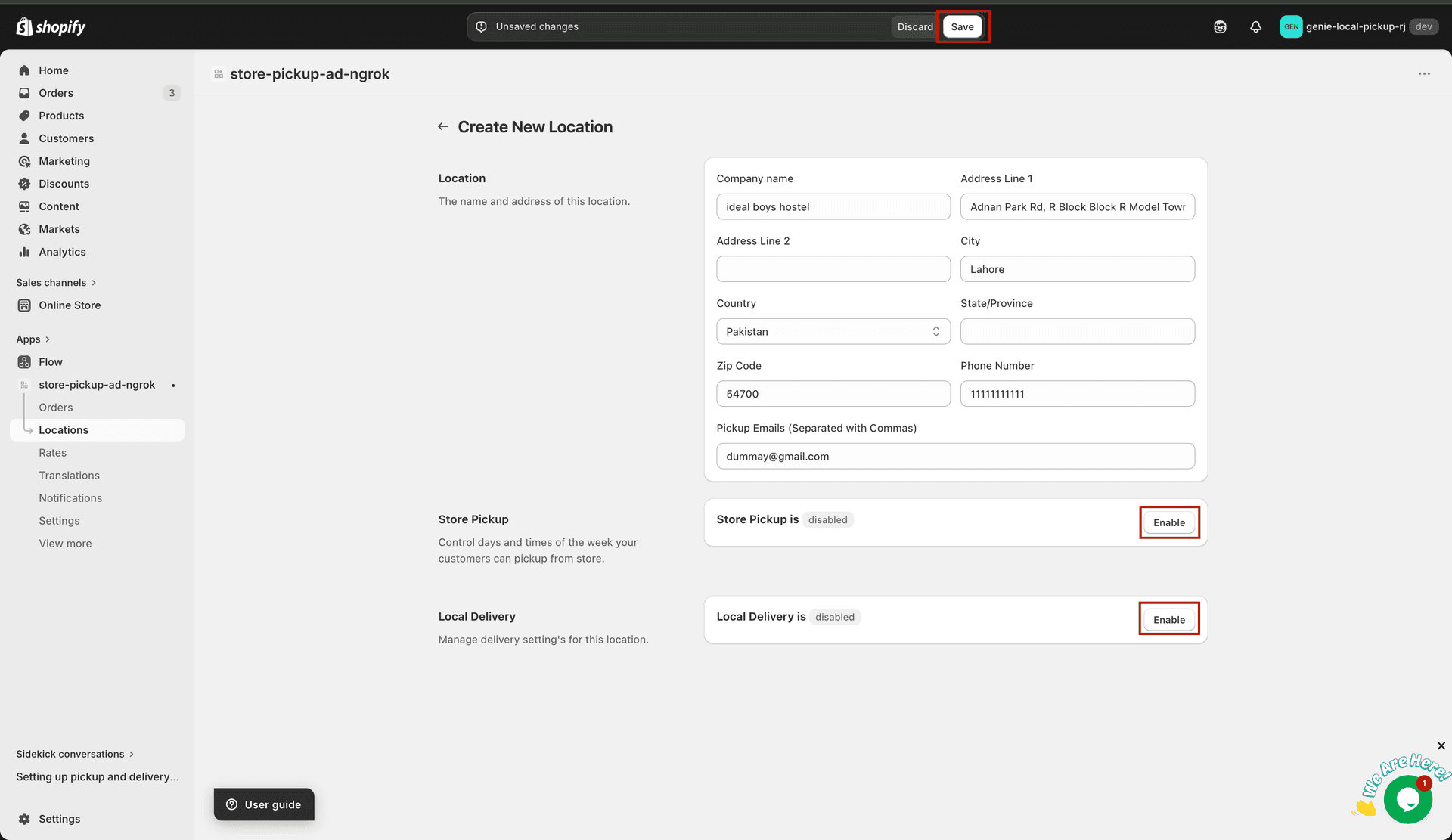
Enable Store Pickup for this location
What's Next