
Delivery & Pickup overview
Last updated: June 16, 2026
View, add, edit, and remove pickup and delivery locations on the Locations page.
The Delivery & Pickup tab is where you manage all pickup and delivery locations.
Open Locations
1
From the app sidebar, click "Locations".
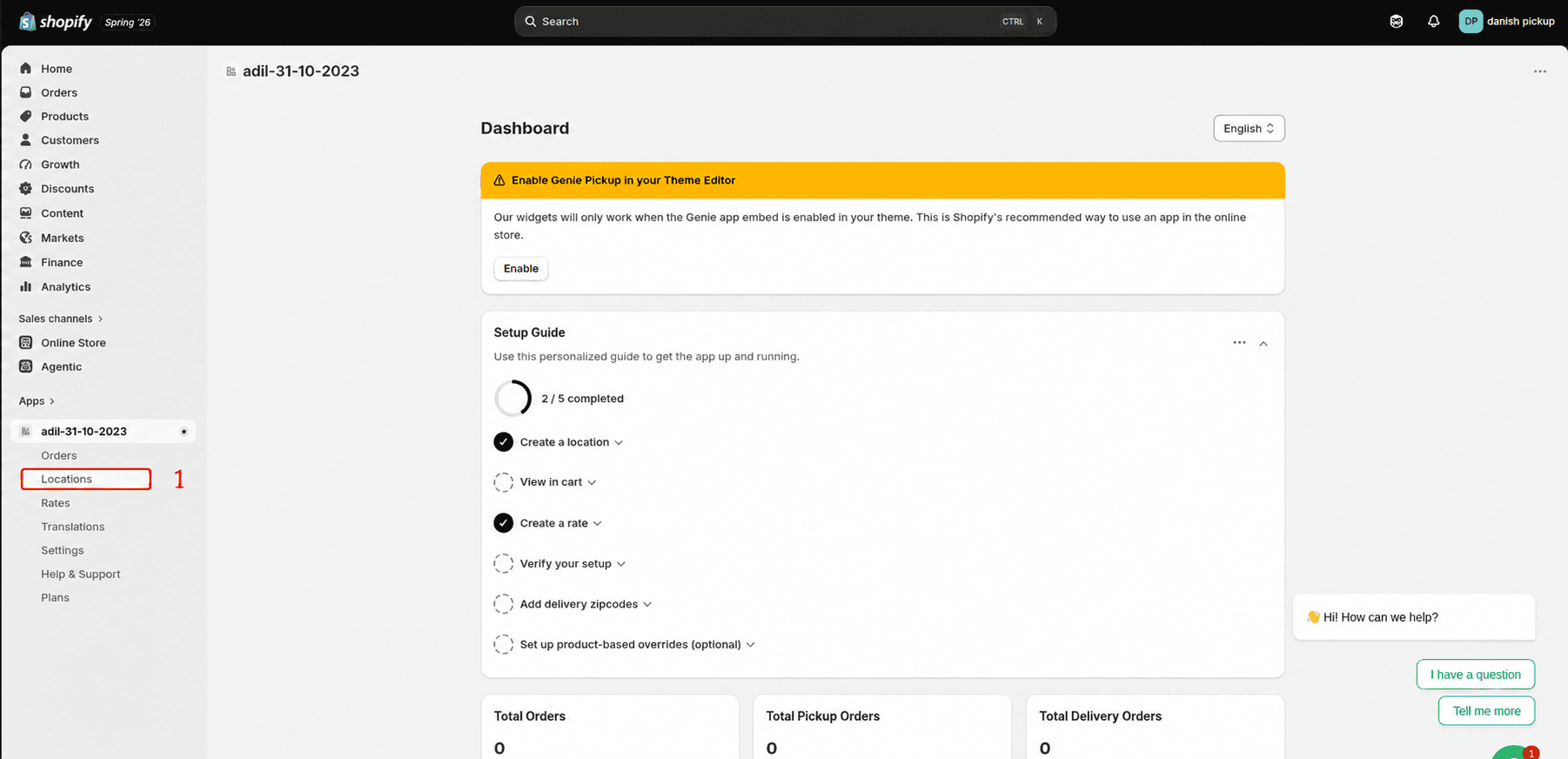
Click Locations from the app sidebar
2
Select the Delivery & Pickup tab in the sidebar.
View existing locations
Each location shows enabled methods: Local Delivery, Store Pickup, and Active status. Use the edit icon to update a location or the delete icon to remove it.
What's Next