
Create a location manually when all Shopify locations are already added.
When every Shopify location has already been imported, you can still add a custom location for pickup or delivery.
Add a custom location
1
Click "Add Location" on the Delivery & Pickup tab.
2
If no Shopify locations remain to import, click "Add custom location".
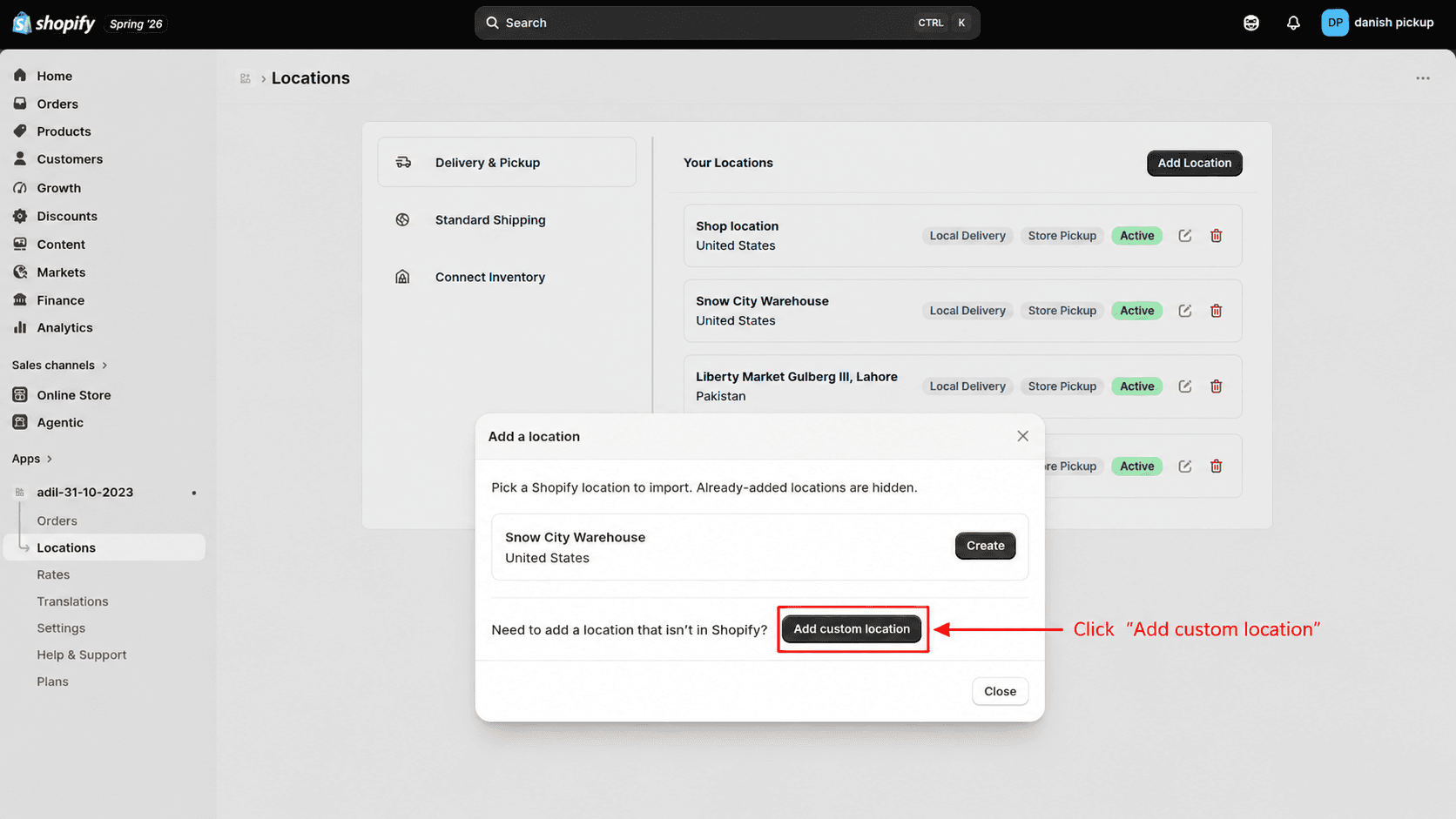
Click Locations from the app sidebar
3
Continue through the location setup wizard to enter details and configure fulfillment.
What's Next