
How to get & install the app
Last updated: September 17, 2026
Find Appointment Booking by Genie Apps on the Shopify App Store, install it, and open it in your store admin.
Appointment Booking by Genie Apps is available on the Shopify App Store. Installation takes a couple of minutes. After install, the app opens a setup guide so you can add staff, a location, a service, and the storefront widget.
Step 1 — Find the app
Go to the Shopify App Store and search for "Appointment Booking by Genie Apps".
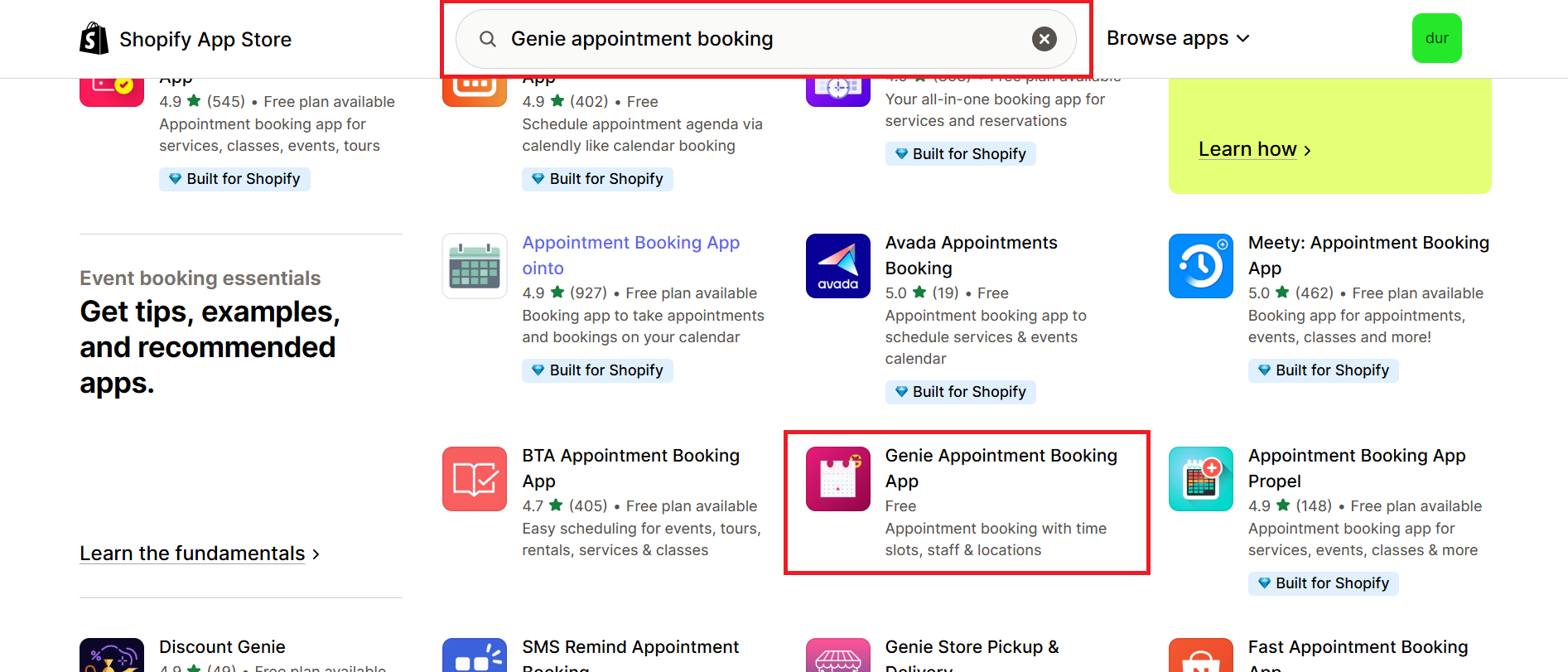
Open the app listing to review the description and permissions.
Step 2 — Install
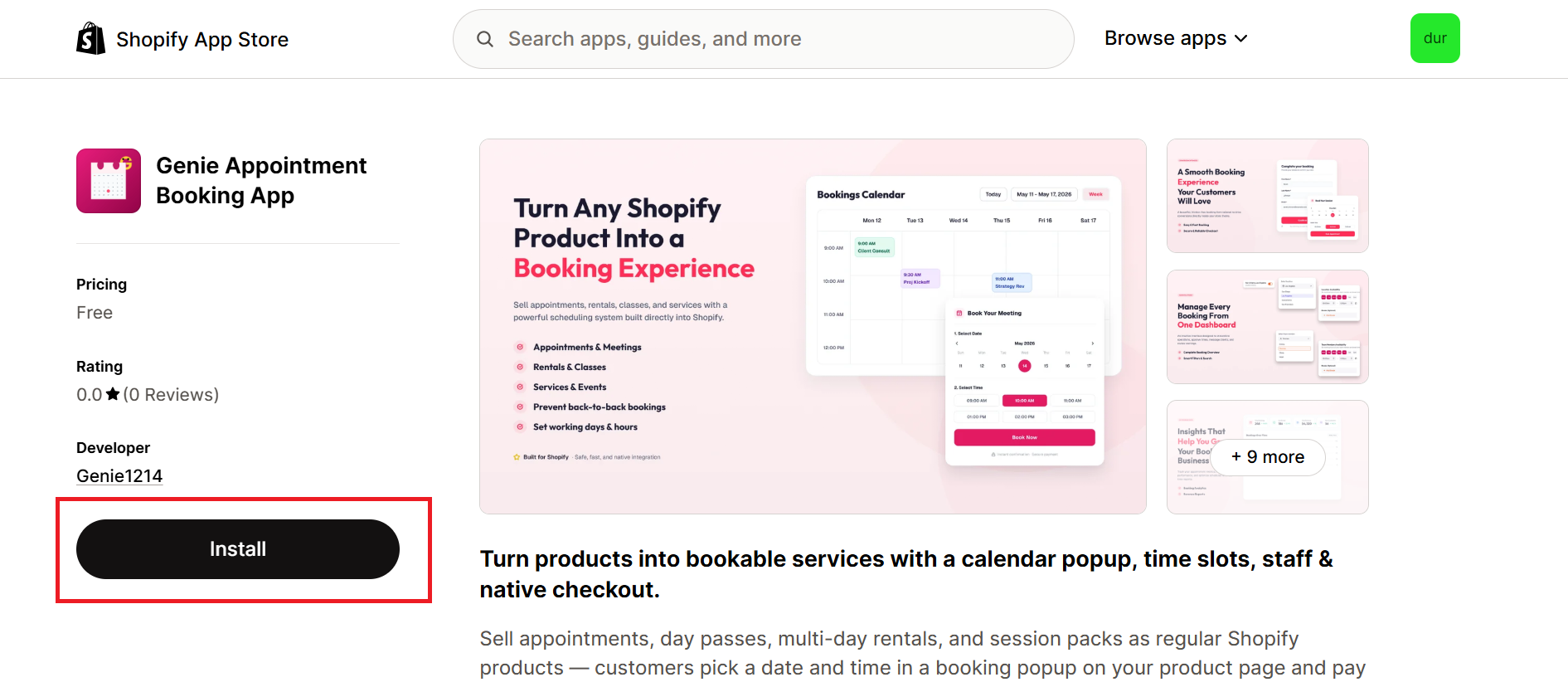
Click "Install". You will be redirected to your Shopify admin.
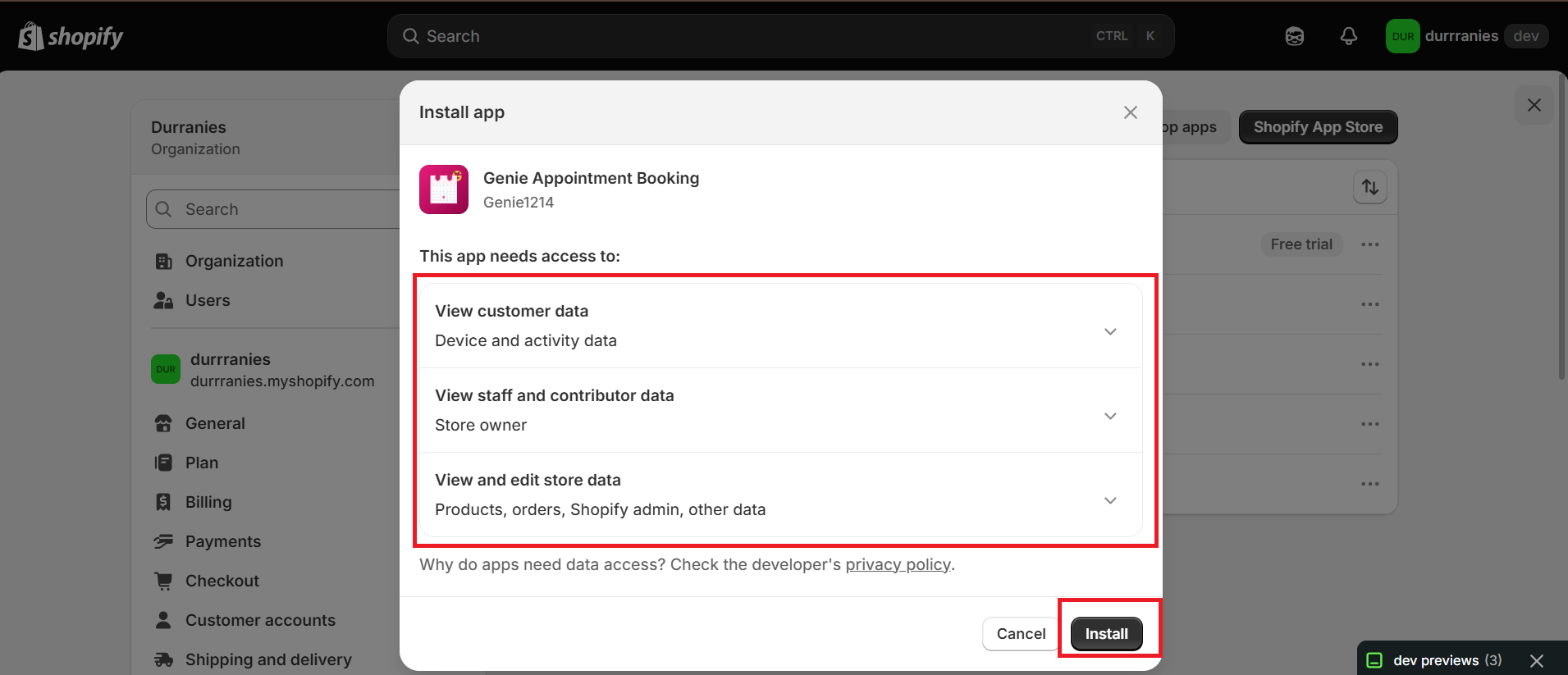
Review the permissions the app is requesting, then click "Install".
Step 3 — You're in
After install you land on the Setup guide inside the app. Until you finish that guide, the other admin pages (Bookings, Locations, Staff, Services, Settings) stay hidden so you can complete setup first.
You can stop at any point and pick up where you left off. Completed steps stay checked when you return.