
How can I disable certain dates from being picked up?
Last updated: April 10, 2026
Block specific calendar dates so customers cannot schedule a pickup on those days.
1
In the Locations tab, click the pickup location for which you want to disable certain dates.

Click the pickup location to open its settings
2
Scroll down to the "Blackout Dates" section. Here you can pick the dates you want to disable for pickup.
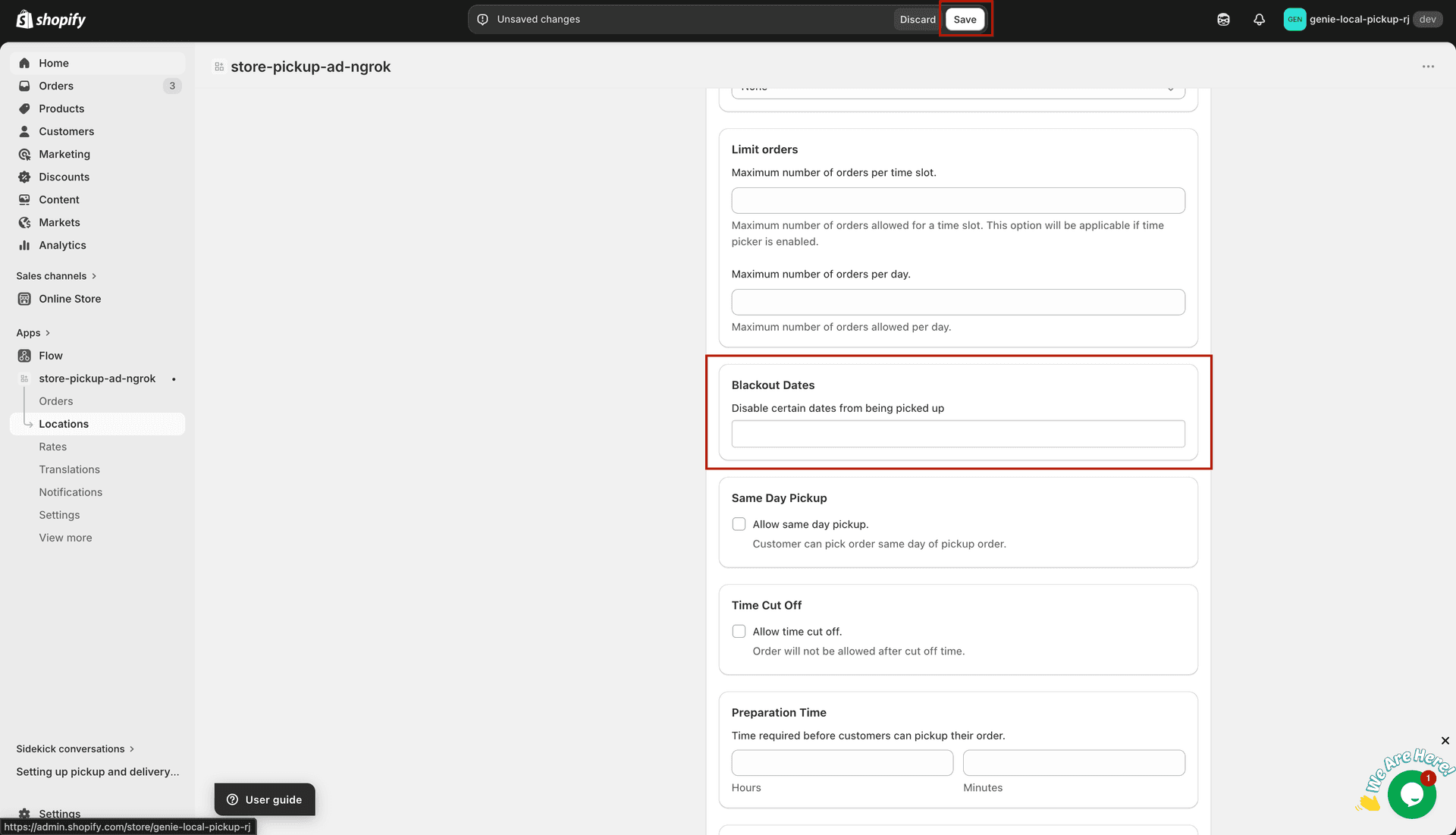
Select the dates to block in the Blackout Dates section
What's Next