
How can I set max and min no of days to collect pickup items?
Last updated: April 10, 2026
Define a minimum and maximum number of days within which customers can collect their pickup orders.
1
In the Locations tab, click the pickup location for which you want to set max and min number of days to collect pickup items.

Click the pickup location to open its settings
2
Scroll down to the "Future Orders" section. From here you can add values for the "Max and min no of days to collect" pickup items.
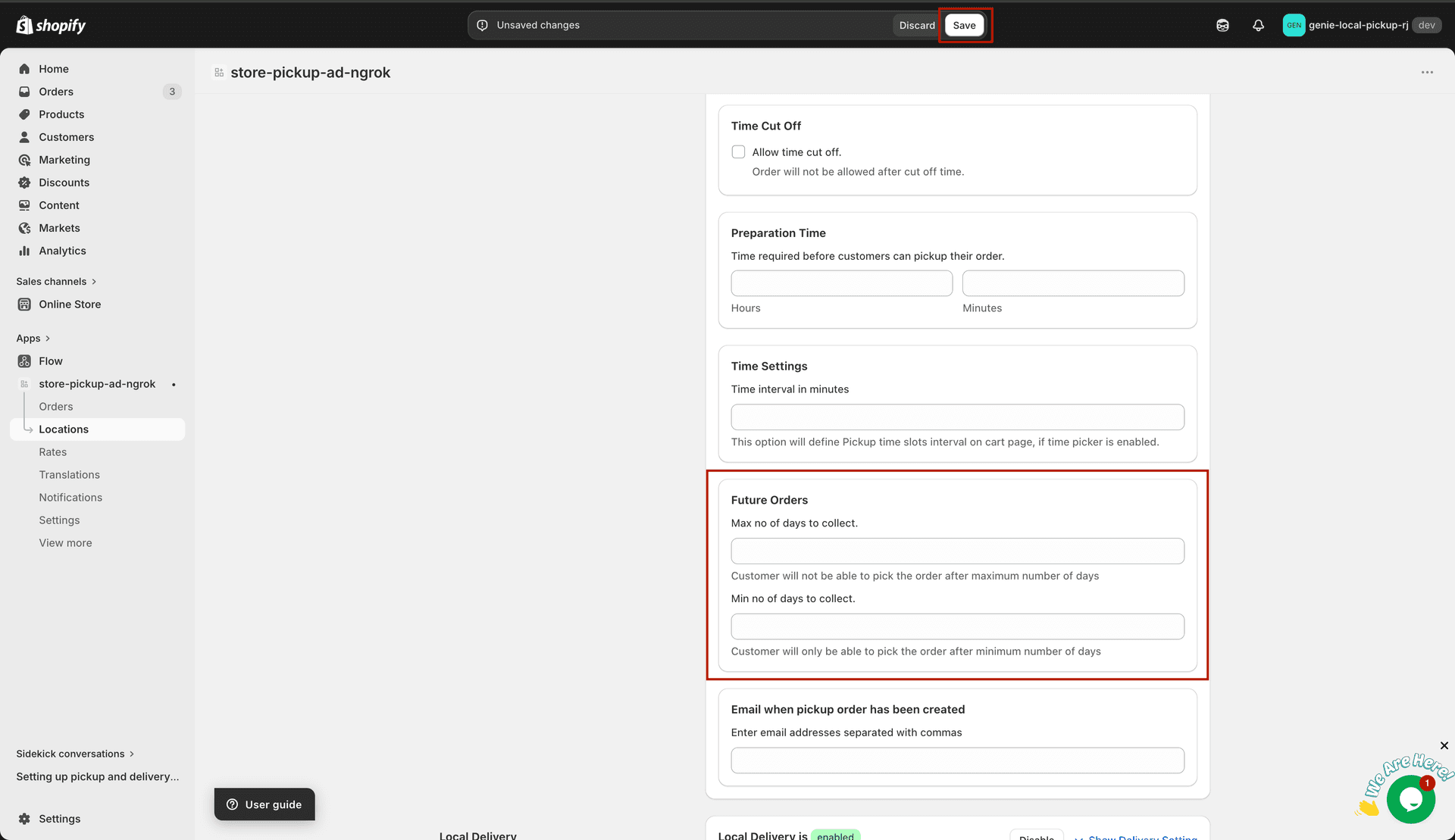
Set the max and min collection days in the Future Orders section
What's Next