
From where can I allow same day pickup?
Last updated: April 10, 2026
Enable same day pickup for a location from the Future Orders section.
1
In the Locations tab, click the pickup location for which you want to allow same day pickup.

Click the pickup location to open its settings
2
Scroll down to the "Future Orders" section. From here you can select the checkbox for same day pickup.
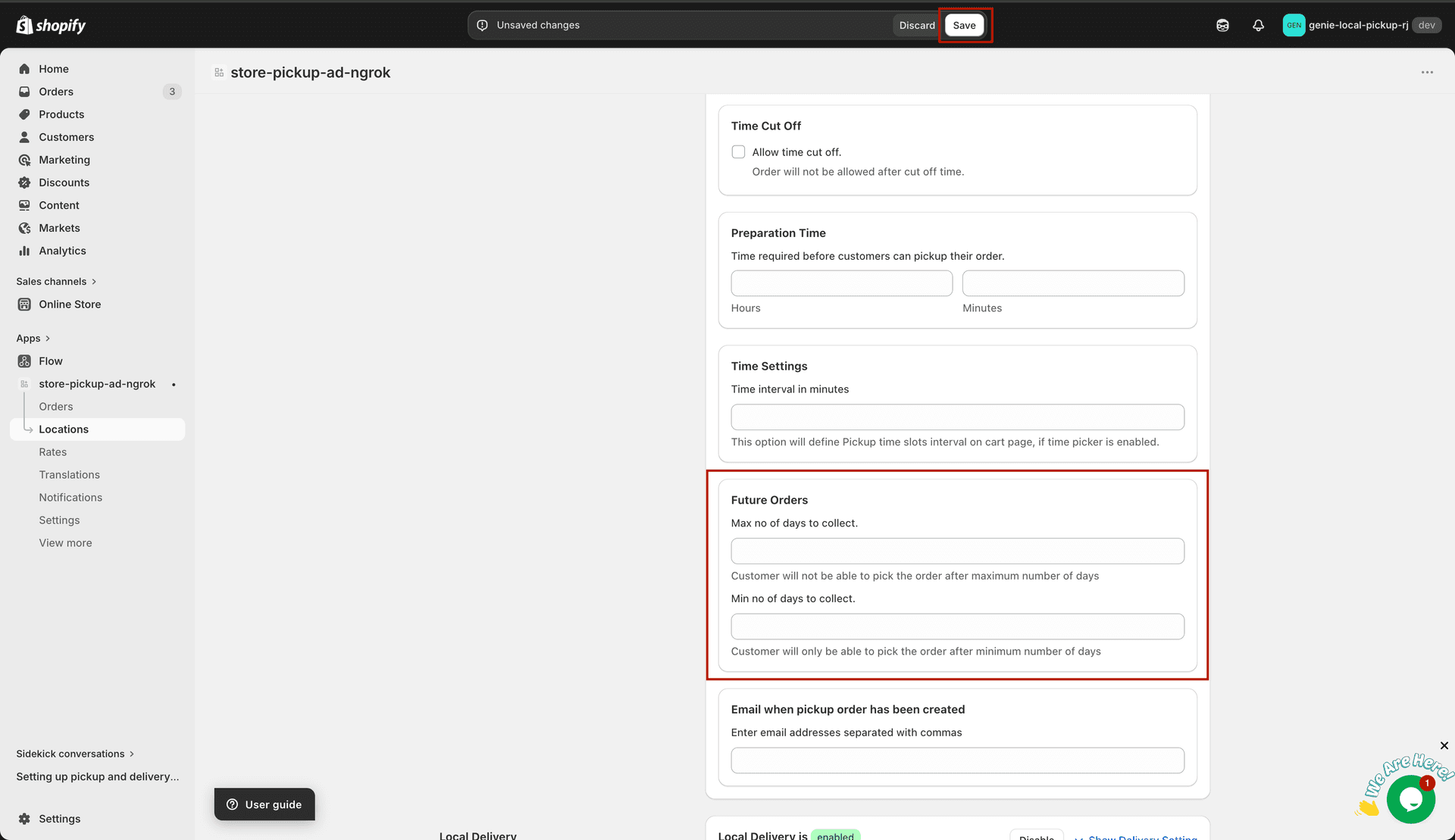
Check the same day pickup option in the Future Orders section
What's Next