
How to get & install the app
Last updated: March 1, 2026
Find Store Pickup by Genie Apps on the Shopify App Store, install it, and get it running on your store.
Store Pickup by Genie Apps is available on the Shopify App Store. Installation takes less than 2 minutes and does not modify your theme automatically — you stay in full control.
Step 1 — Find the app
Go to the Shopify App Store and search for "Store Pickup by Genie Apps".
Click on the app listing to open the detail page.
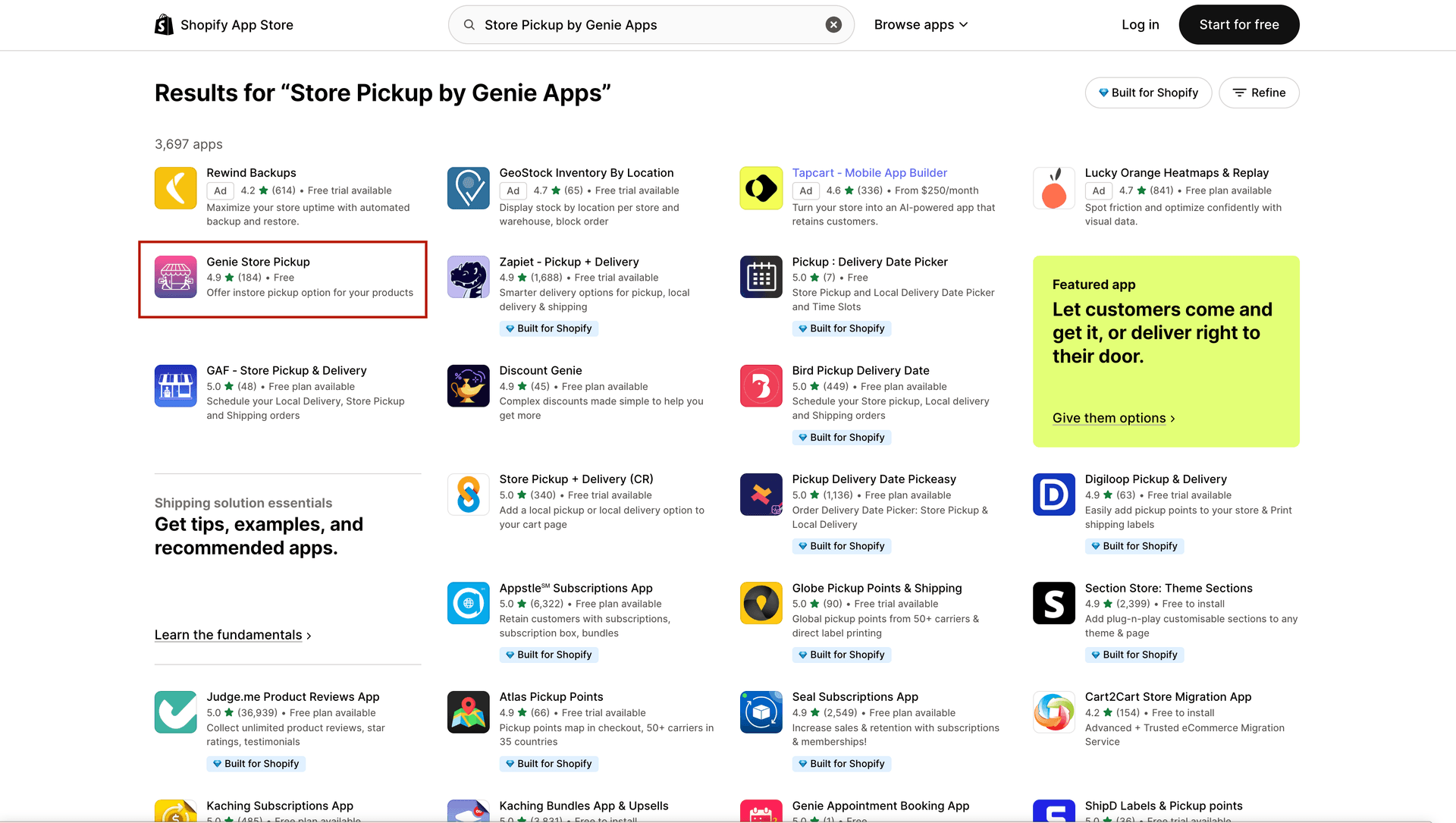
App listing on Shopify App Store
Step 2 — Install
Click "Add app". You will be redirected to your Shopify admin.
Review the permissions the app is requesting, then click "Install app".
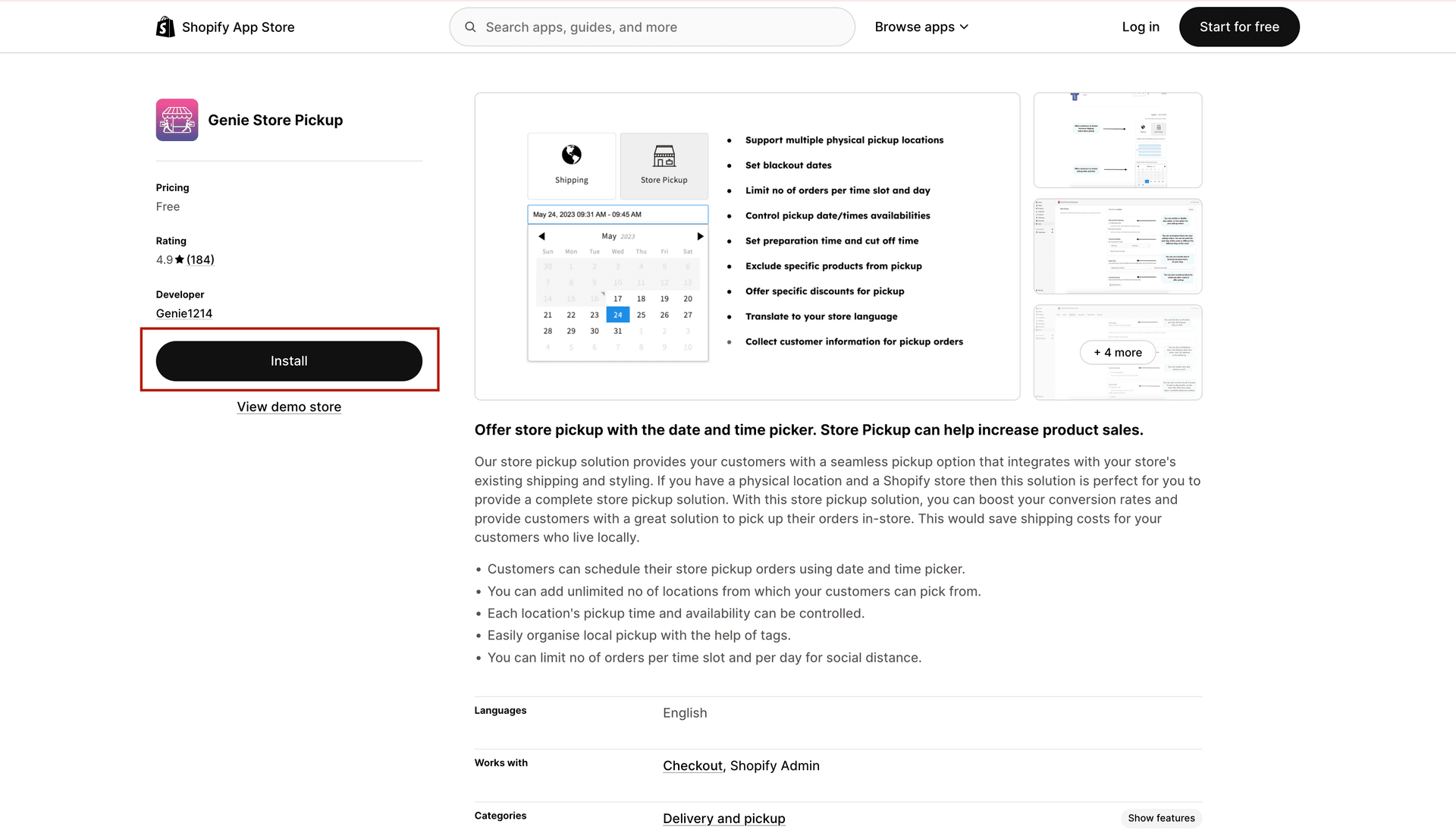
Shopify asks you to approve the permissions before installing
Step 3 — You're in
After install you are taken directly into the app's 3-step Setup Guide — this is where you choose your fulfillment options and enable the widget on your storefront.
A free trial is available so you can test everything before subscribing. You will see the plan selection after the setup guide.