
Setting preparation time
Last updated: March 1, 2026
Add lead time so orders are never scheduled too close to the current time.
Preparation time (or lead time) is the minimum amount of time you need to prepare an order before it can be picked up or delivered. If you set 2 hours of prep time, a customer ordering at 10 AM cannot select a slot before 12 PM.
Setting prep time on a location
1
Go to Locations and open a location.
2
Under the Pickup or Delivery tab, find the "Preparation Time" field.
3
Enter the number of hours (or days) of preparation time required.
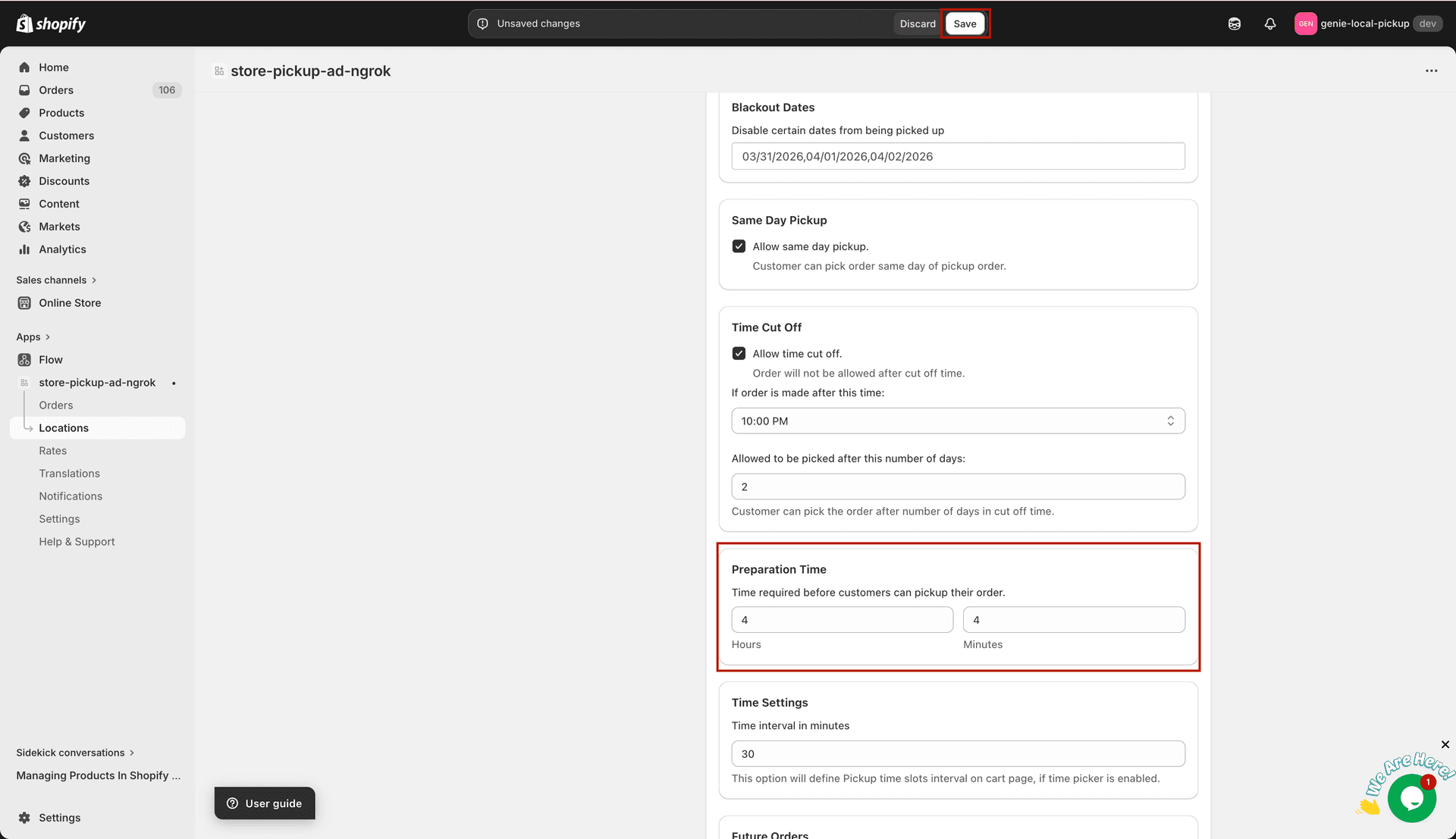
Prep time determines the earliest available pickup or delivery slot
4
Click Save.
You can also set per-product prep times from the Product Settings page for items that need extra preparation time.