
Limiting orders per time slot
Last updated: March 1, 2026
Set a maximum number of orders per slot to avoid overbooking.
Slot capacity lets you cap how many orders can be booked in a single time slot. Once the limit is reached, that slot is hidden from customers automatically.
How to set a slot limit
1
Open a location and go to the Pickup or Delivery tab.
2
Find the time slot you want to limit.
3
Enter a number in the "Max Orders" field next to that slot.
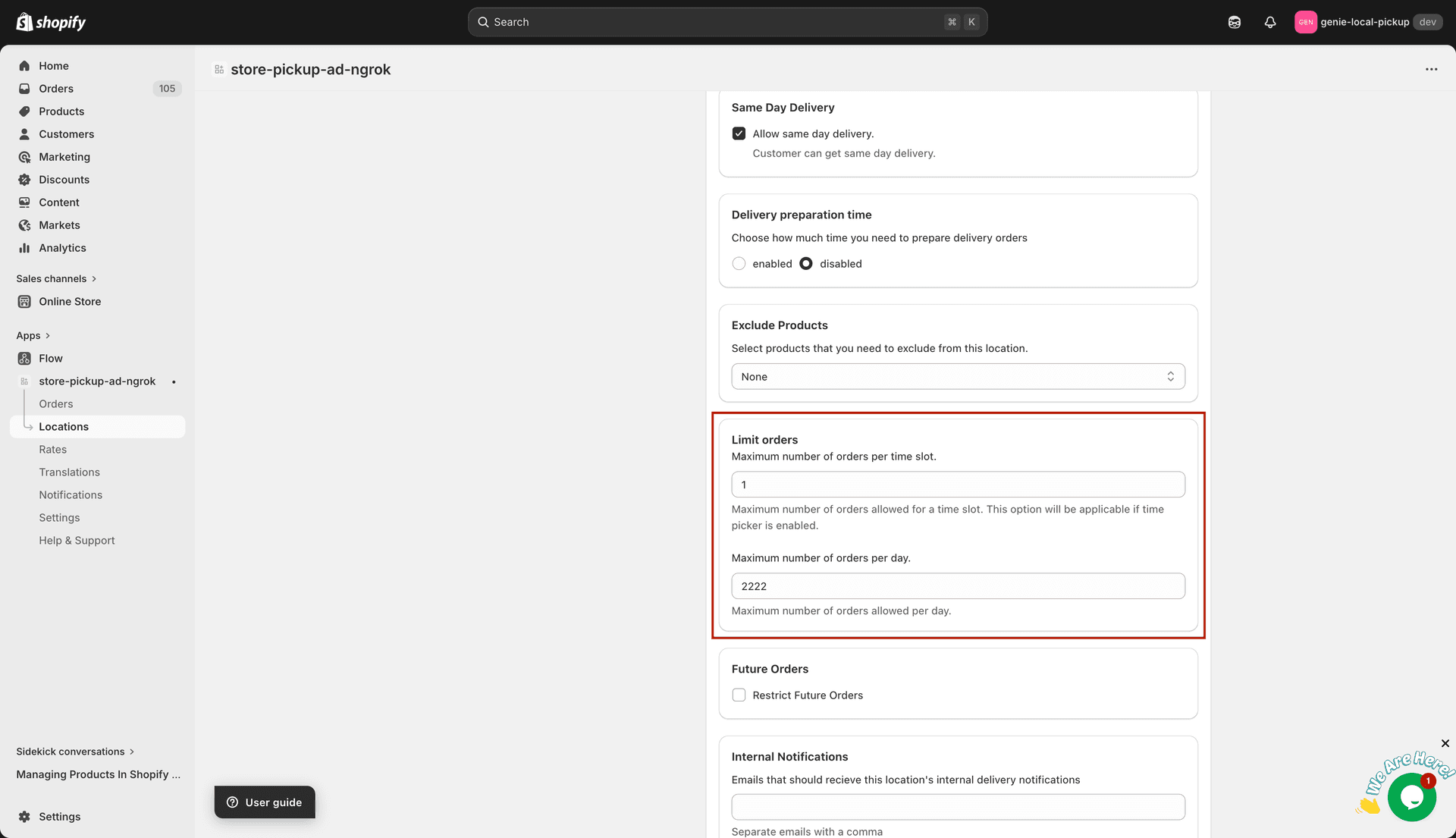
Enter the max orders allowed for this time slot
4
Click Save.
Leave the Max Orders field empty (or set to 0) if you want unlimited orders in a slot.
Slot limits are checked in real time. If two customers reach the slot limit at the same moment, the second order may still go through — build in a small buffer if needed.