
Limiting future delivery orders
Last updated: March 28, 2026
Set how many days ahead customers can book a delivery.
The Delivery Future Orders settings let you define a booking window — the earliest and latest dates a customer can select for delivery. You can also allow or block same-day delivery from here.
Configure future delivery limits
From the app sidebar, click "Locations".
Click the location you want to configure.
Scroll to the "Local Delivery" section and expand it.
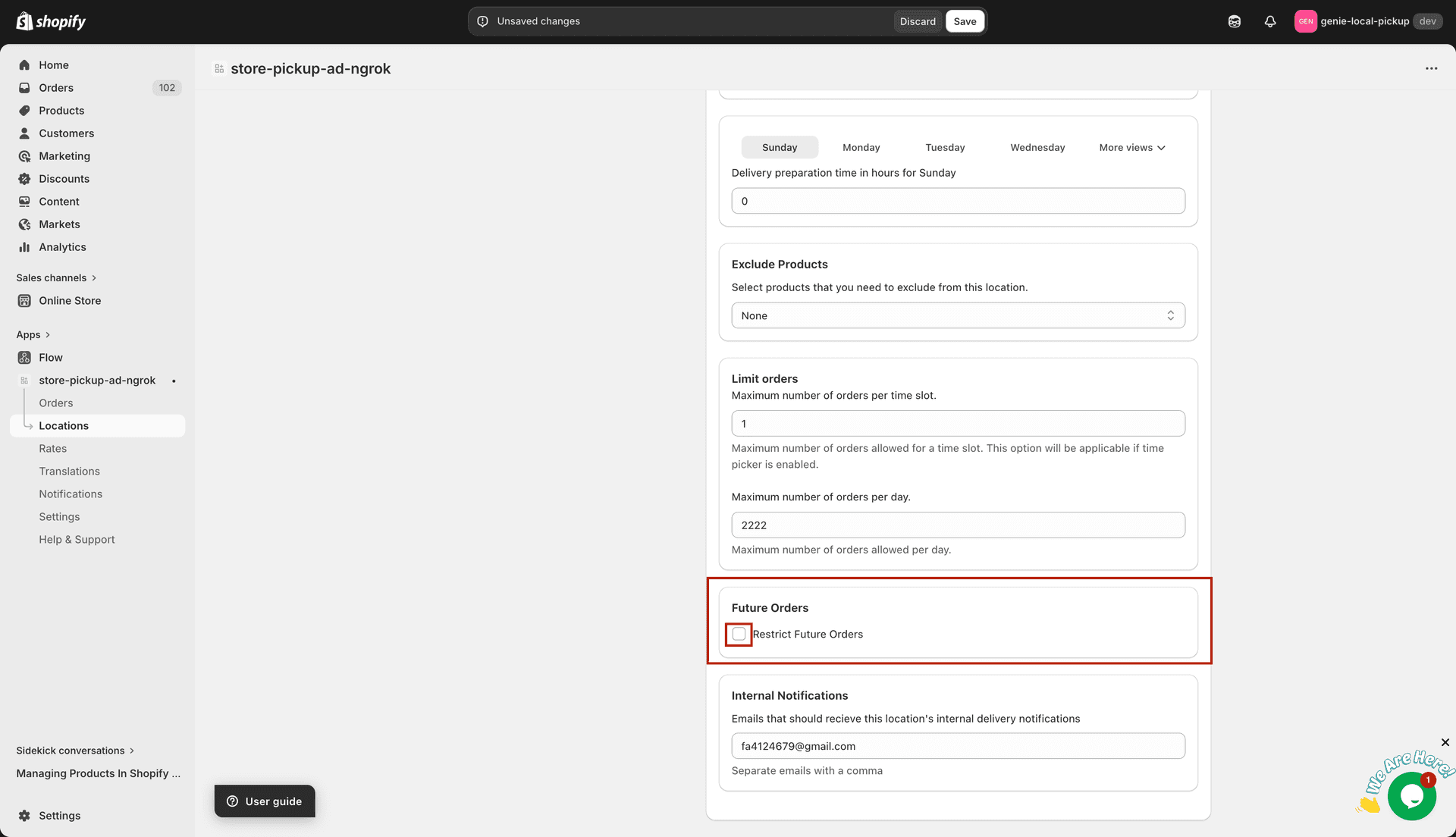
Find the "Delivery Future Orders" card.
Check the enable checkbox to activate future order limits for delivery.
Set the delivery booking window using the Min and Max days fields
Enter a value in "Max days" — the furthest date in the future a customer can schedule delivery. Must be 0 or greater.
Enter a value in "Min days" — the minimum number of days from today before a delivery can be scheduled. Must be 0 or greater.
Setting Min days to 1 prevents same-day delivery. If you want to allow same-day, set Min days to 0 and enable the "Same Day Delivery" option below.
Allow same-day delivery
Find the "Same Day Delivery" card directly below Future Orders.
Check "Allow same day delivery" to let customers select today as a delivery date.
Click "Save" to apply your changes.