
Filtering orders by date, location & type
Last updated: March 1, 2026
Use search and filter controls to quickly find specific pickup or delivery orders.
Search by customer or order
Click the search box at the top of the orders table.
Type a customer name or order number.
Results update automatically as you type — the list filters based on your query.
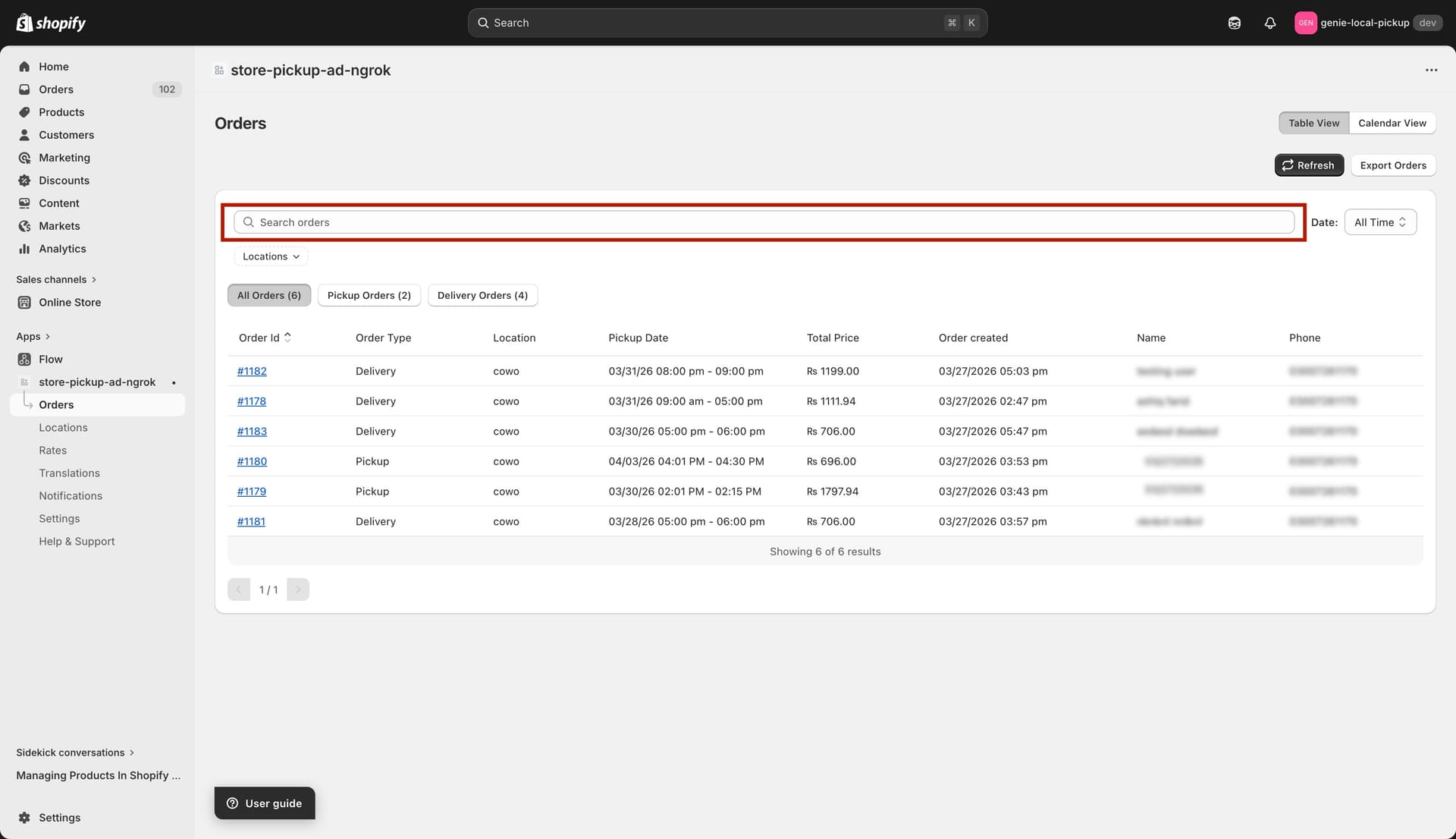
Type in the search bar to instantly filter orders
Filter by location
Click the "Location" filter button in the filter bar.
Select one or more locations from the list. Orders from those locations are shown.
To remove the filter, click the × next to the applied location tag, or click "Clear all".
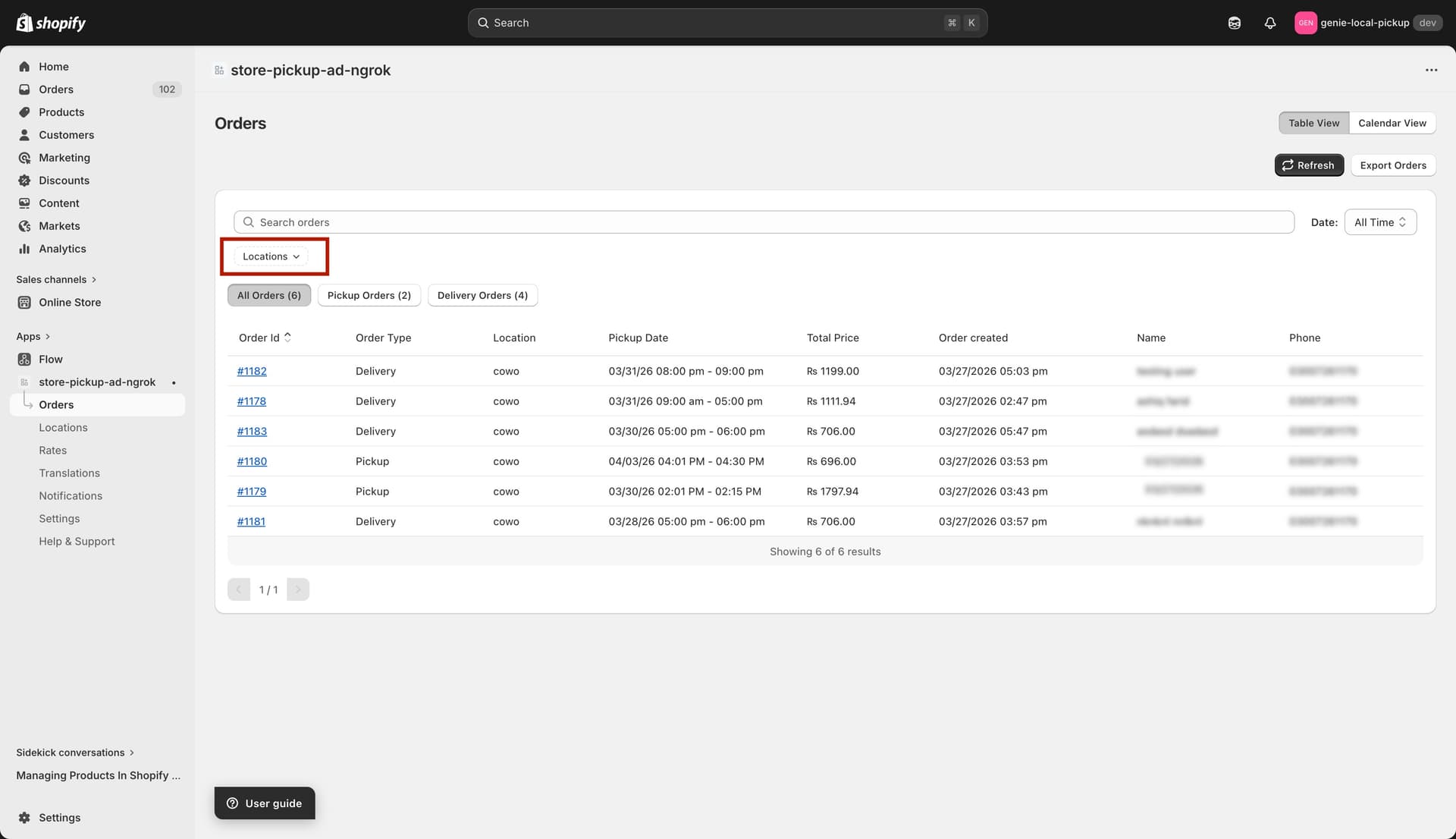
Select one or more locations to filter orders
Filter by date range
Use the date dropdown (next to the "Date" label in the filter bar) to limit orders by pickup/delivery date:
All Time — shows every order with no date restriction (default).
Last 30 Days — orders with a pickup/delivery date in the past 30 days.
Last 60 Days — orders in the past 60 days.
Last 90 Days — orders in the past 90 days.
Specific Date — choose an exact date from the date picker that appears.
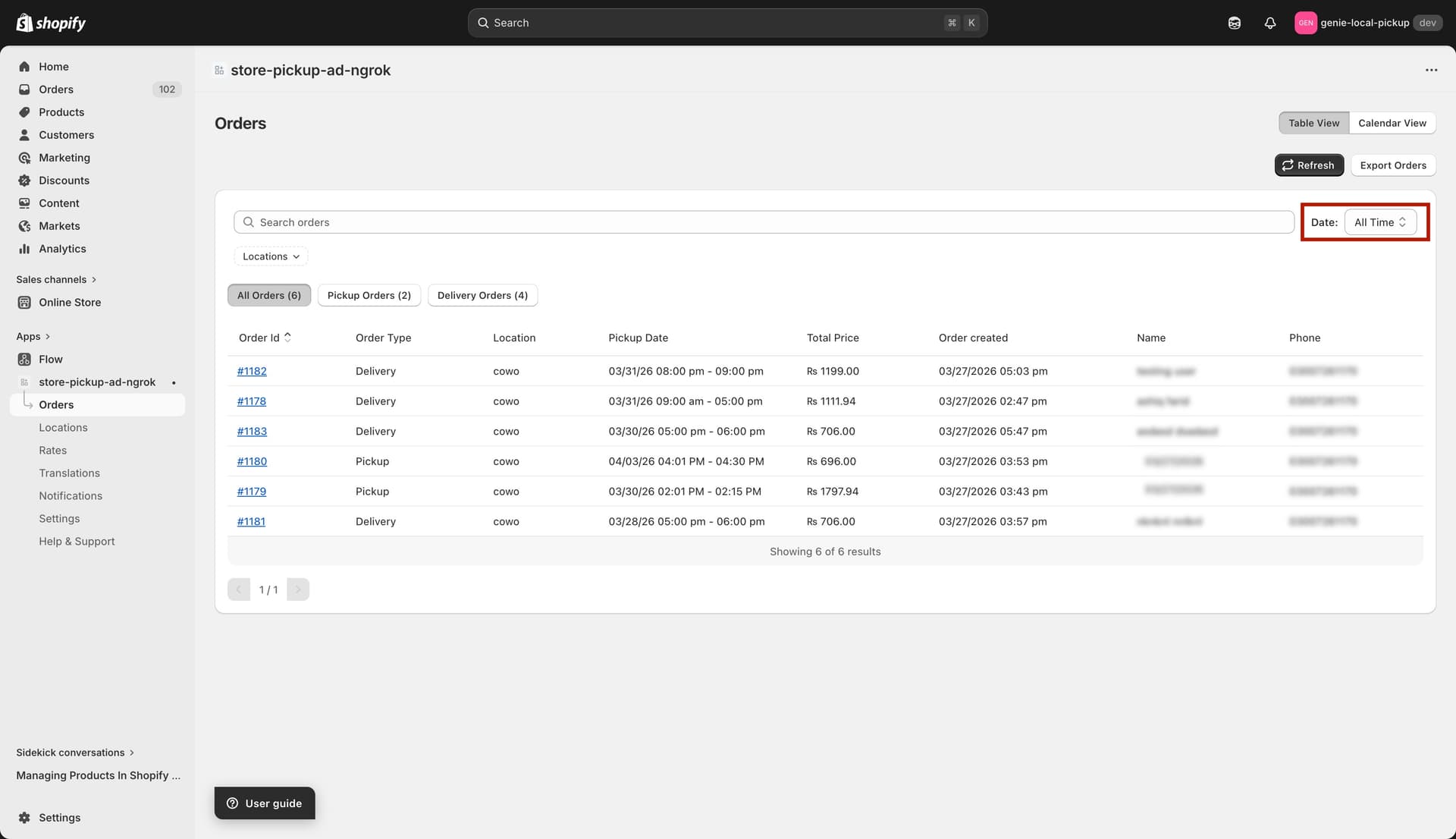
Date filter dropdown — choose a range or pick a specific date
Filter by order type
Below the filter bar, three buttons let you quickly switch between order types:
All Orders (N) — shows every order. The count N shows the total.
Pickup Orders (N) — shows only orders where the customer chose store pickup.
Delivery Orders (N) — shows only orders where the customer chose local delivery.
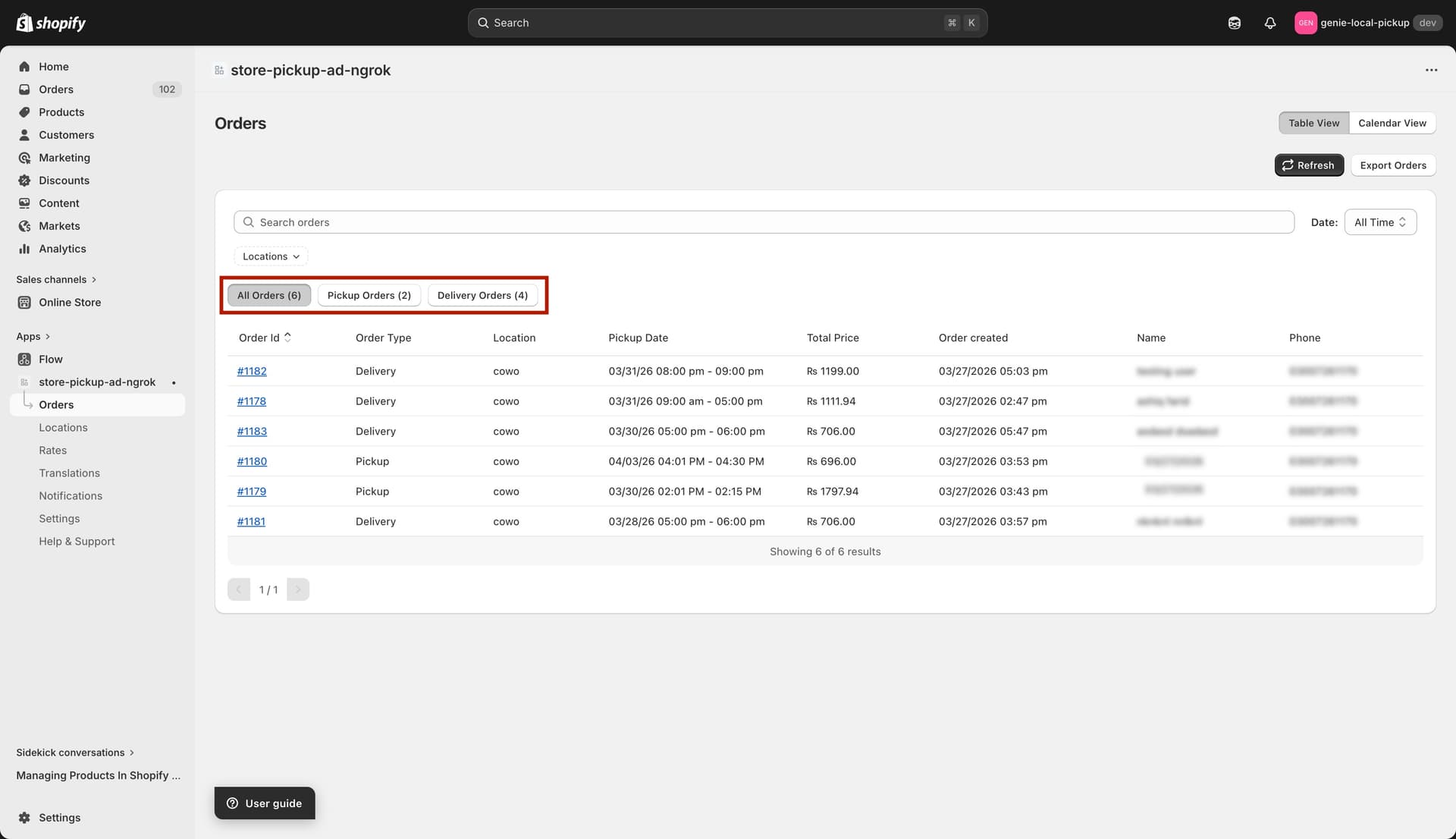
Switch between All, Pickup-only, and Delivery-only views
All filters work together. For example: you can search by customer name AND filter by location AND select "Last 30 Days" at the same time.