
Refreshing the orders list
Last updated: March 1, 2026
Manually reload the orders list to pull in the latest orders without reloading the page.
The Orders page does not auto-refresh when a new order comes in. Use the Refresh button to manually reload the orders list and see any new orders that have arrived since you opened the page.
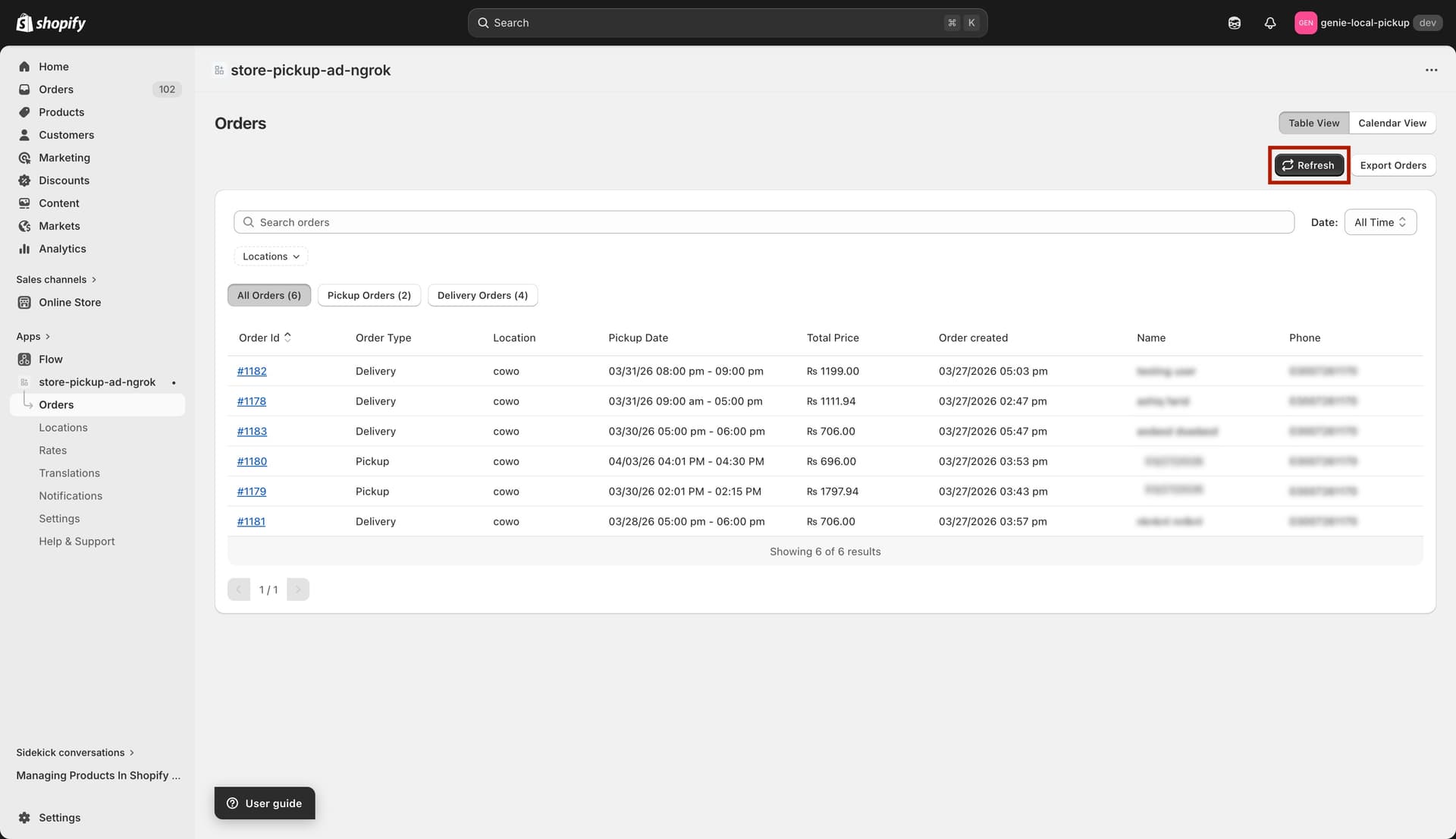
The Refresh button — click it to reload the latest orders
How to refresh orders
1
Go to the Orders page.
2
Click the blue "Refresh" button (with the refresh icon) in the top-right area of the page.
3
The orders list reloads and shows the latest data, including any new orders placed since you last loaded the page.
Refreshing keeps your active filters in place. You do not need to reapply your filters after clicking Refresh.