
Understand how to translate the storefront widget labels your customers see at pickup, delivery, and checkout.
The Translations page lets you change every text label that customers see in the pickup and delivery widget on your storefront — such as date picker headings, time slot labels, button text, and more. You can translate these into any language your customers speak.
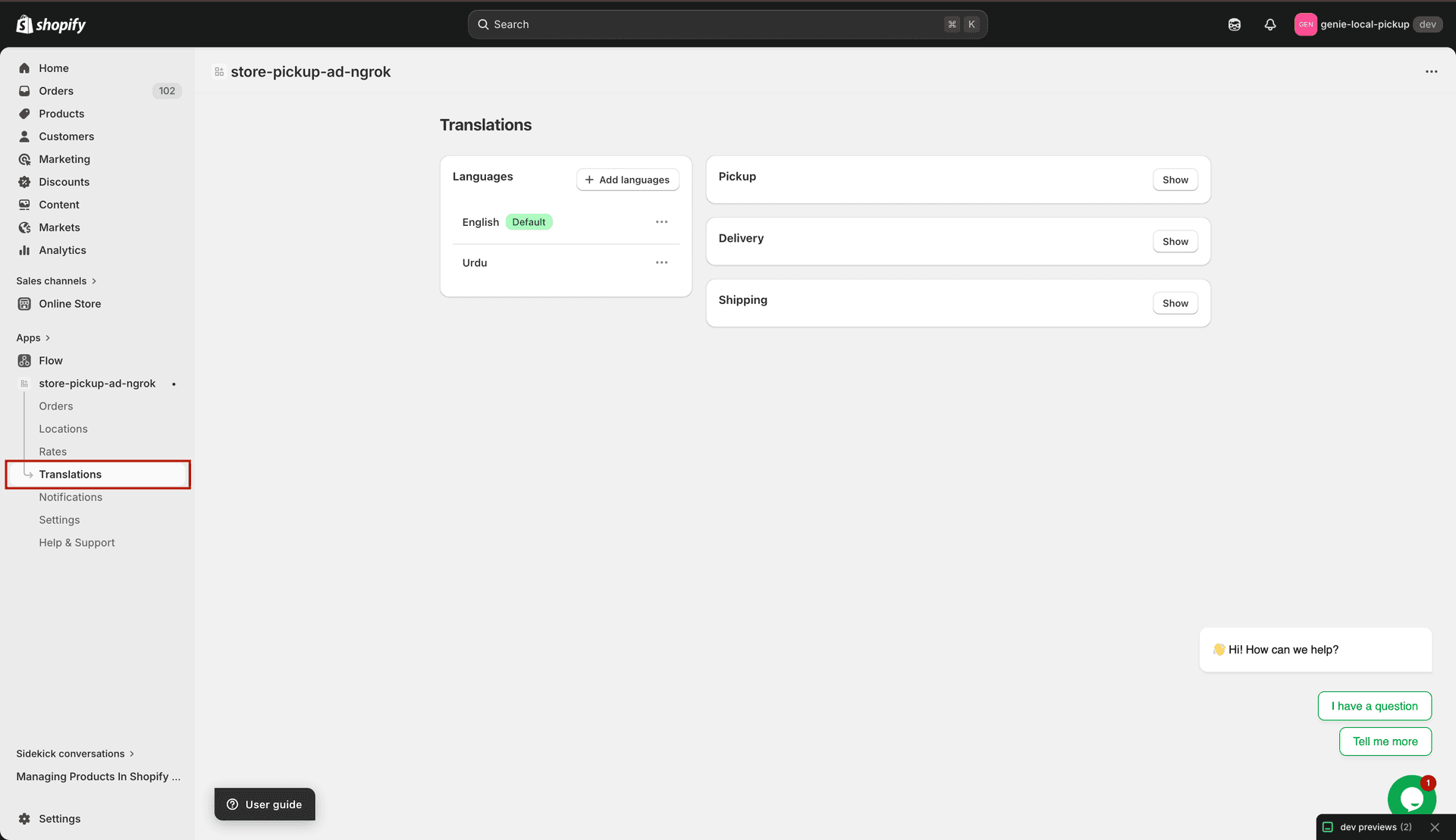
Translations page — language list on the left, translation sections on the right
Page layout
The Translations page has two areas:
Languages panel (left) — shows all the languages you have added. Here you add new languages, set the default language, or remove a language.
Translation sections (right) — three collapsible cards: Pickup, Delivery, and Shipping. Each card shows the text fields for that section. Click "Show" to expand a section and start editing.
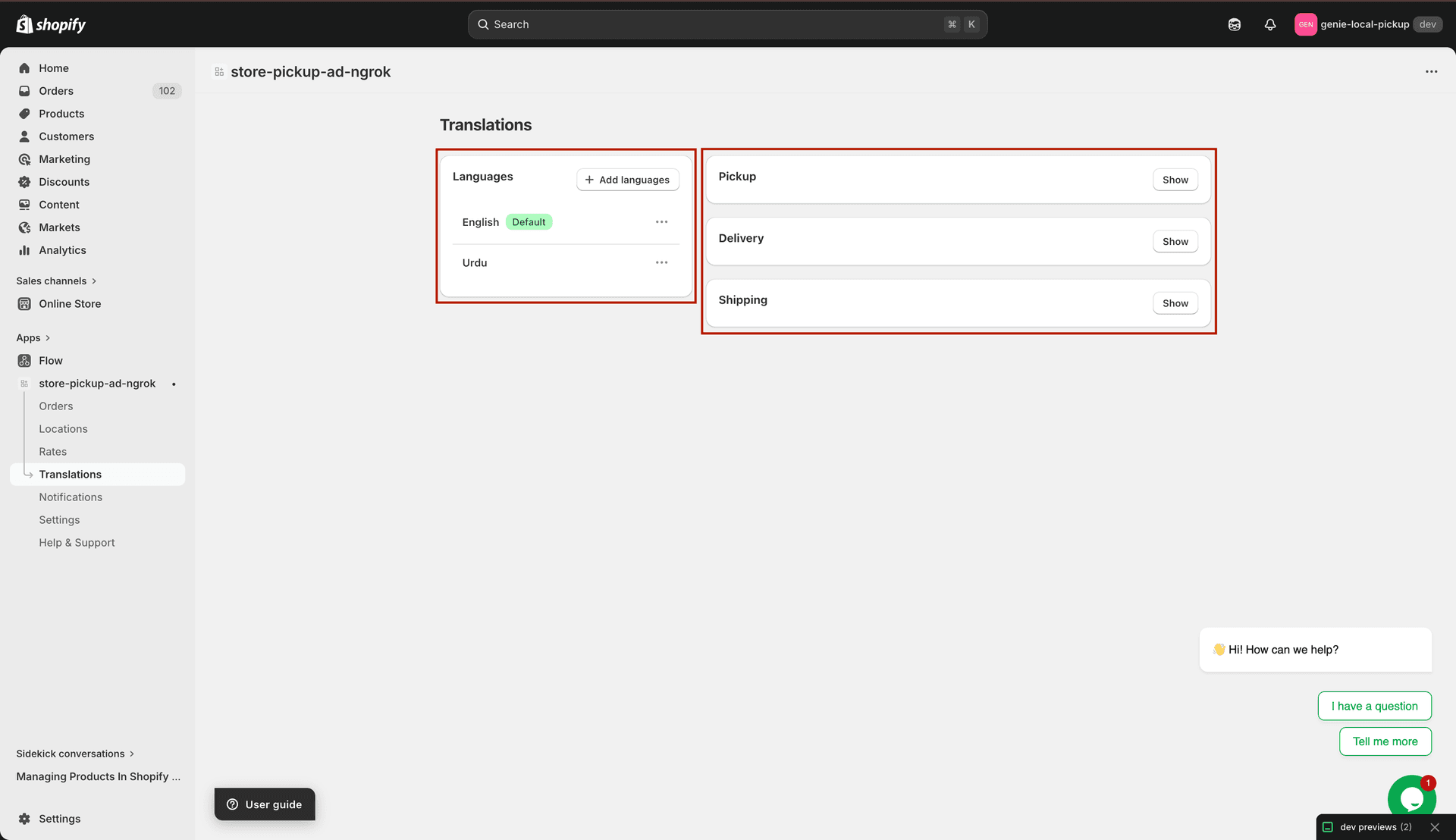
Left: language list. Right: Pickup, Delivery, Shipping translation sections
What can be translated
Pickup section — all labels in the store pickup date/time selector widget (headings, day names, button text, messages).
Delivery section — all labels in the local delivery date/time selector widget.
Shipping section — labels shown in the standard shipping / checkout section of the widget.
How changes are saved
The Translations page uses Shopify's save bar. When you make any changes, a save bar appears at the top of the page. Click "Save" to apply your changes or "Discard" to undo them.
Translations only affect the storefront widget labels — they do not change the admin interface language. To change the admin language, use the language selector on the Dashboard.