
Understand the four tabs on the Rates page and how each controls checkout rates.
The Rates page lets you control what shipping rates customers see at checkout. It is divided into four tabs: Local Delivery, Store Pickup, Standard Shipping, and General Configurations.
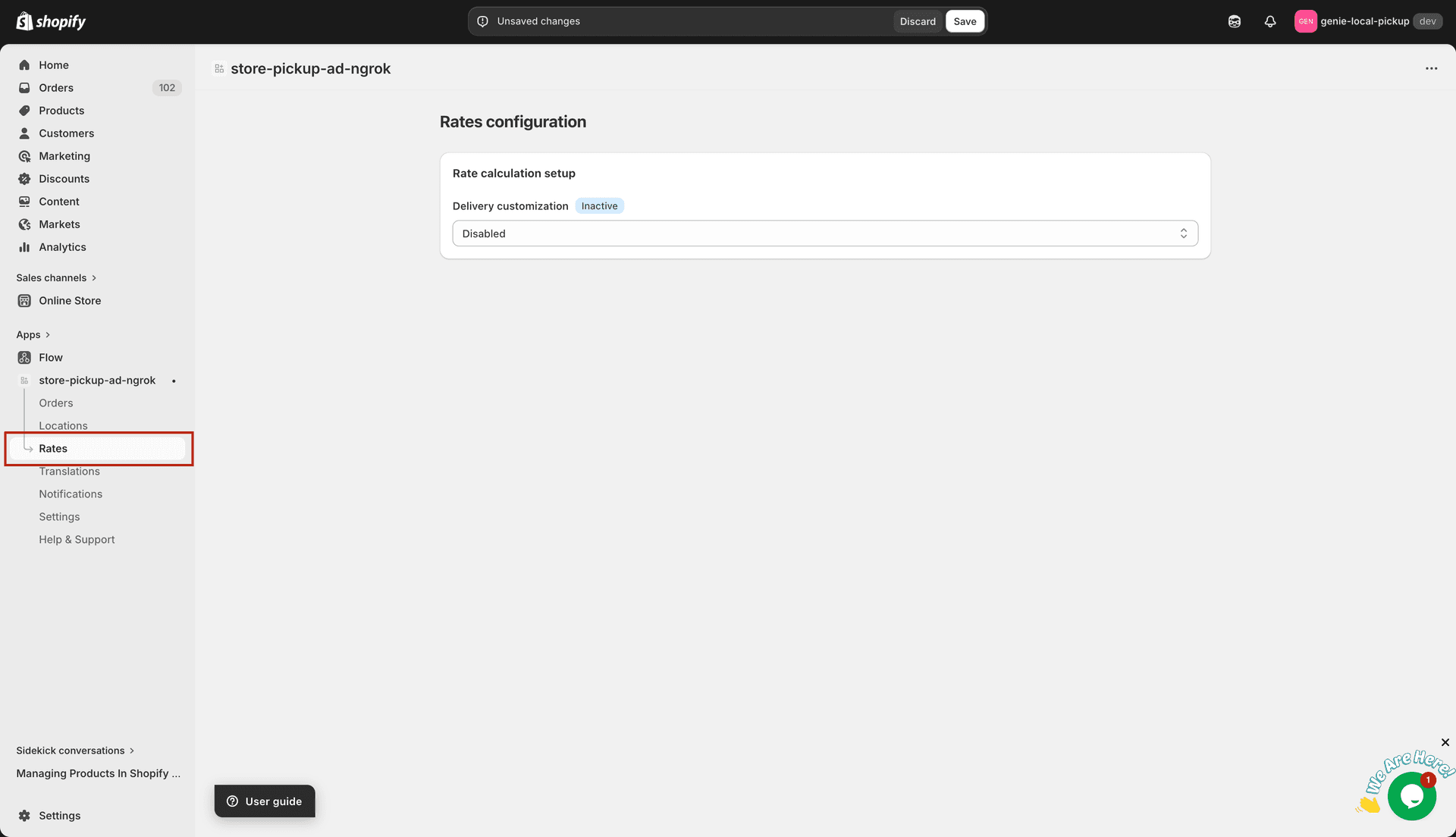
The Rates page — four tabs across the top
Local Delivery tab
Create delivery zones that define which customers qualify for local delivery. Each zone is scoped by zip codes or distance, then given its own set of rate conditions (by order value, weight, product, time, days, or advanced rules).
Store Pickup tab
Create pickup rate groups linked to your store locations. Assign one or more locations to each group and add rate conditions just like delivery zones.
Standard Shipping tab
Create shipping zones for customers outside your delivery area. Each zone targets one or more countries (with optional region filtering) and supports rate conditions by order value, weight, product, and advanced rules.
General Configurations tab
Set global preferences that apply across all zones: currency, zip matching type, weight unit, display preference, and the rate calculation method (CCS API or Delivery Customization).
Start with General Configurations to choose your rate calculation method before creating zones.
What's Next